I want to give a BBLU-DROP Wallet to someone.
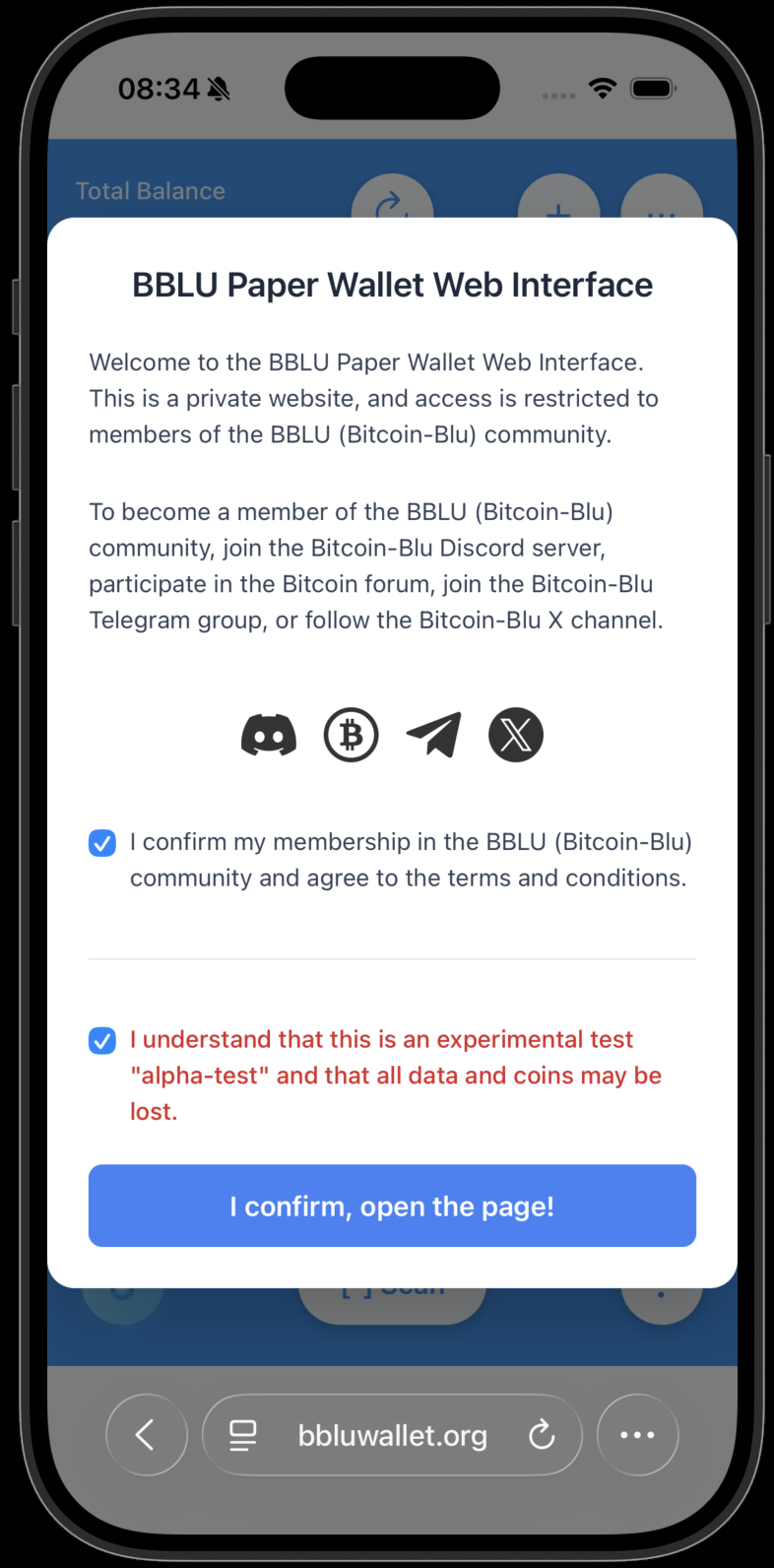
Open the BBLU wallet web interface on https://bbluwallet.org.
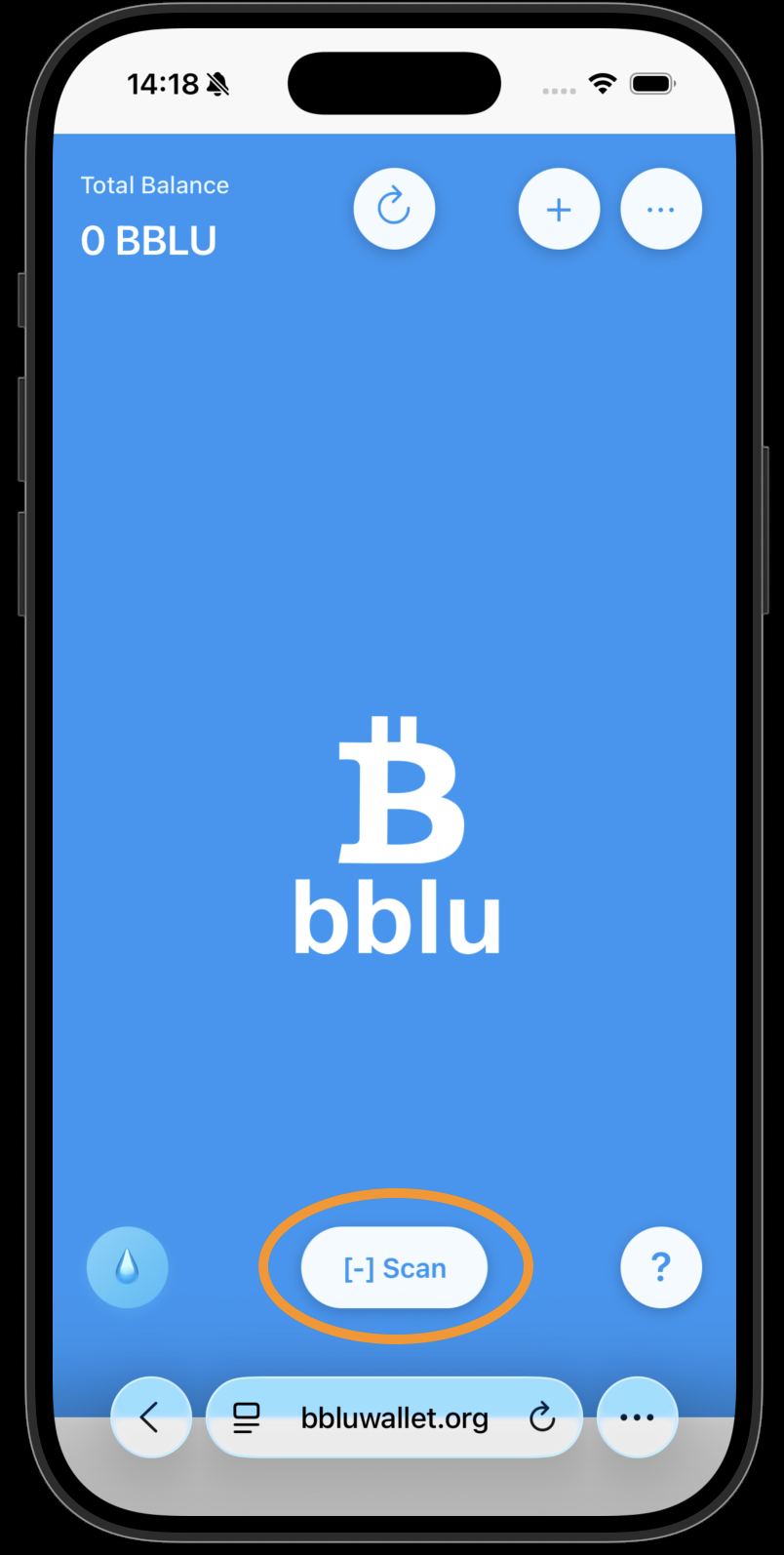
Press the "Scan" button.
Point the camera at your private paper wallet QR code, which you will use to send BBLU to the DROP wallet.
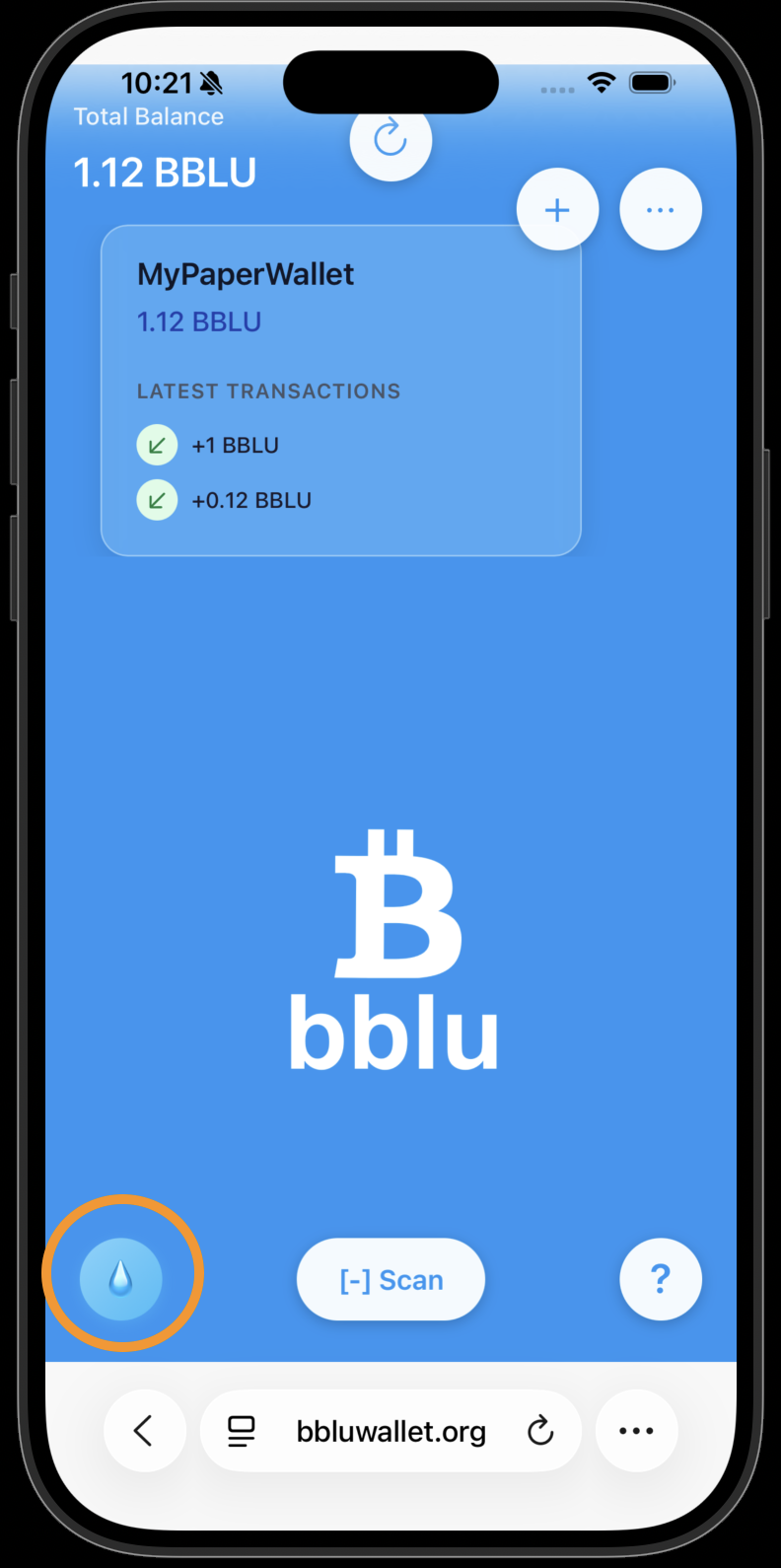
Press the DROP button to create a new DROP wallet.
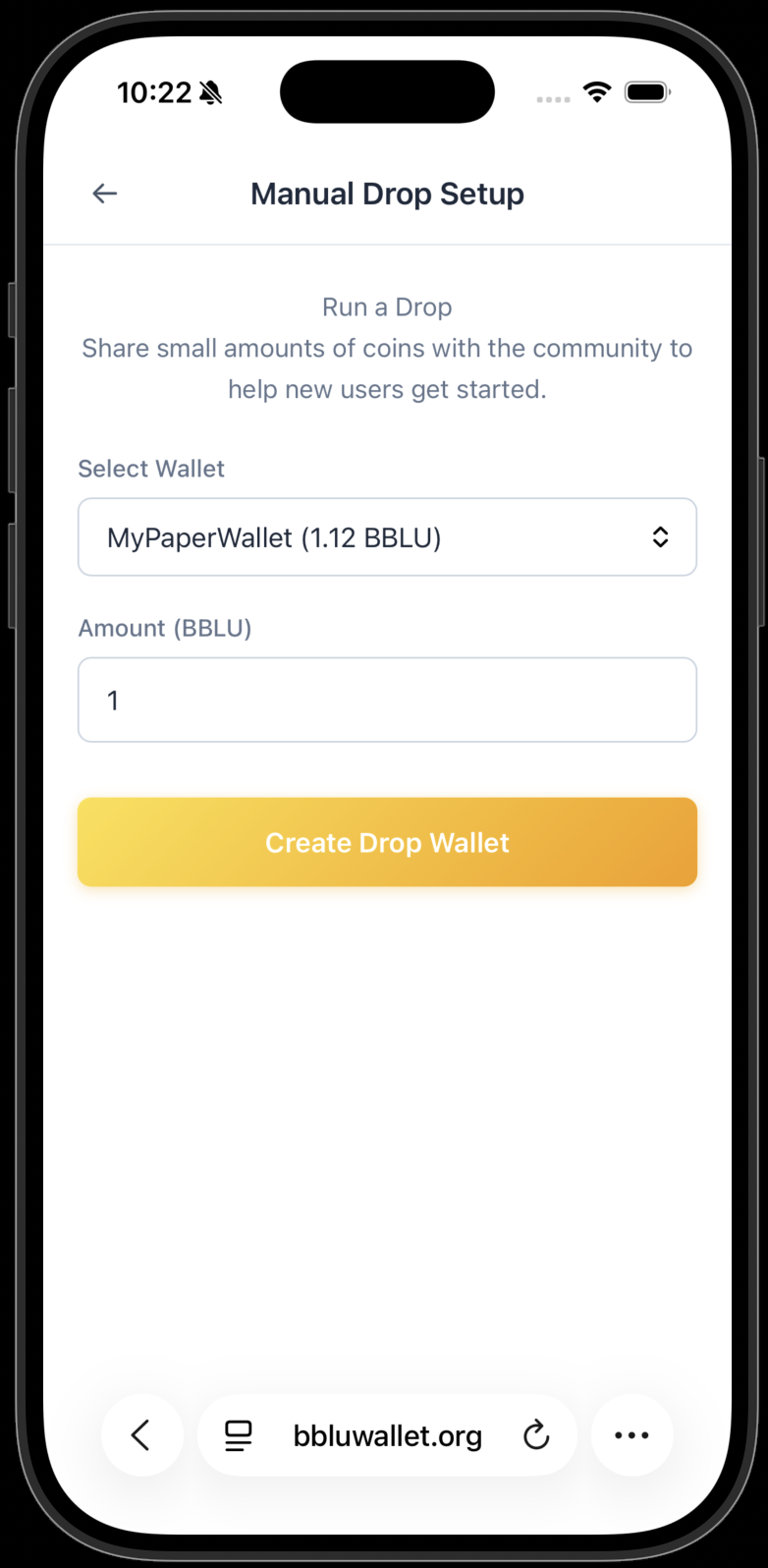
Select the wallet from which you want to send the BBLU. Enter the amount, then press the "Create Drop Wallet" button.
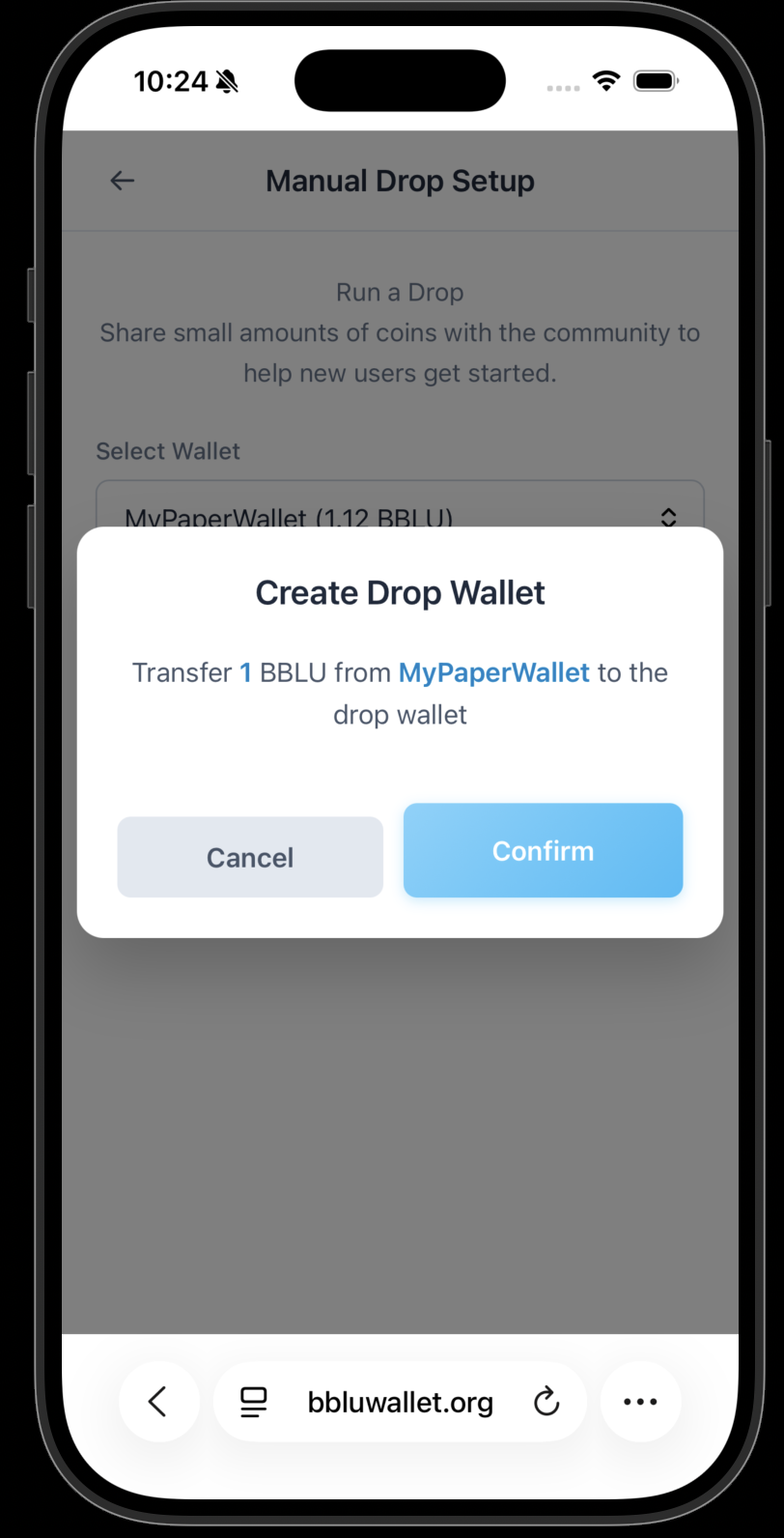
Make sure you selected the right wallet and amount, then press "Confirm."
Now you need to save your DROP QR code — e.g., print it out. The BBLU has not been transferred to the DROP wallet yet; that will happen in the next step.
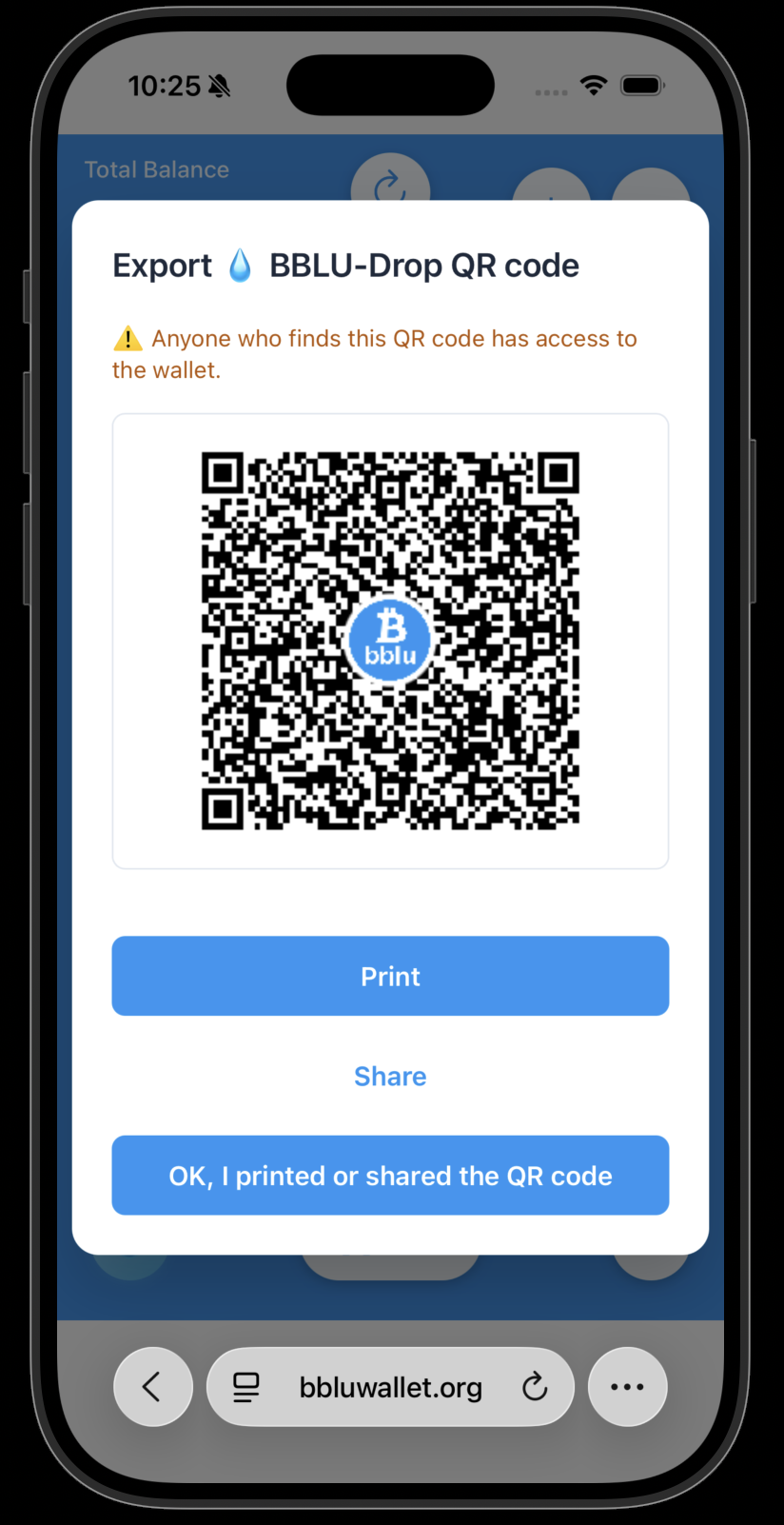
Now you have the printout of the DROP wallet.
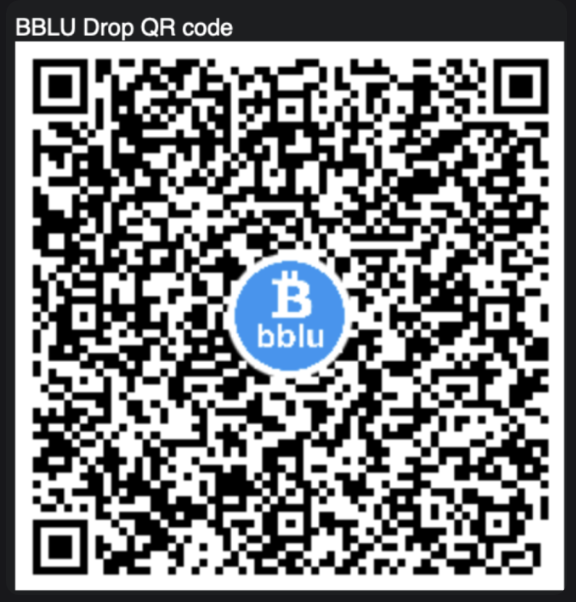
Press the "OK I printed or shared the QR code" button.
Confirm the transaction and press "Send Now."
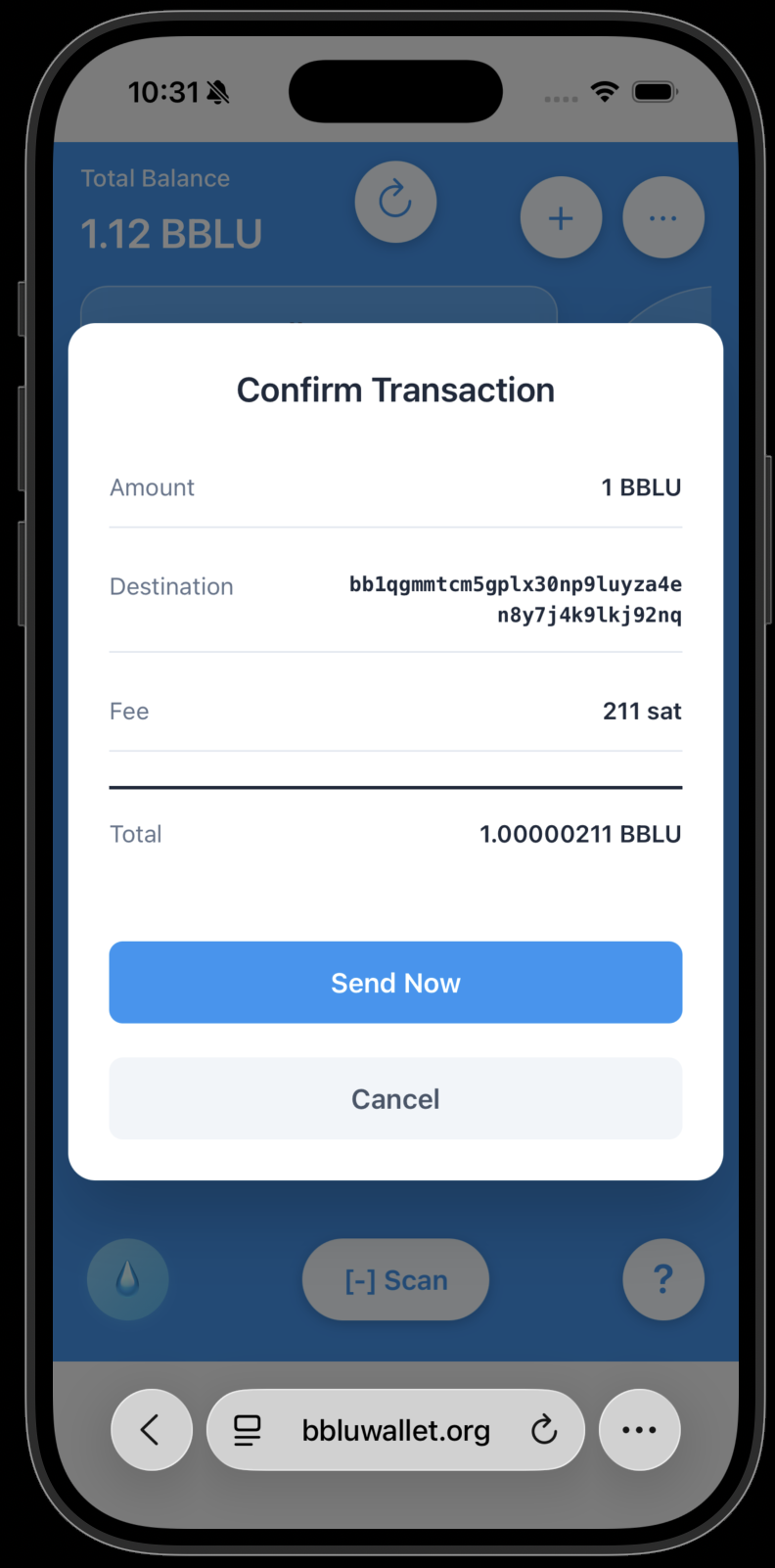
A confirmation appears — your DROP is now loaded.
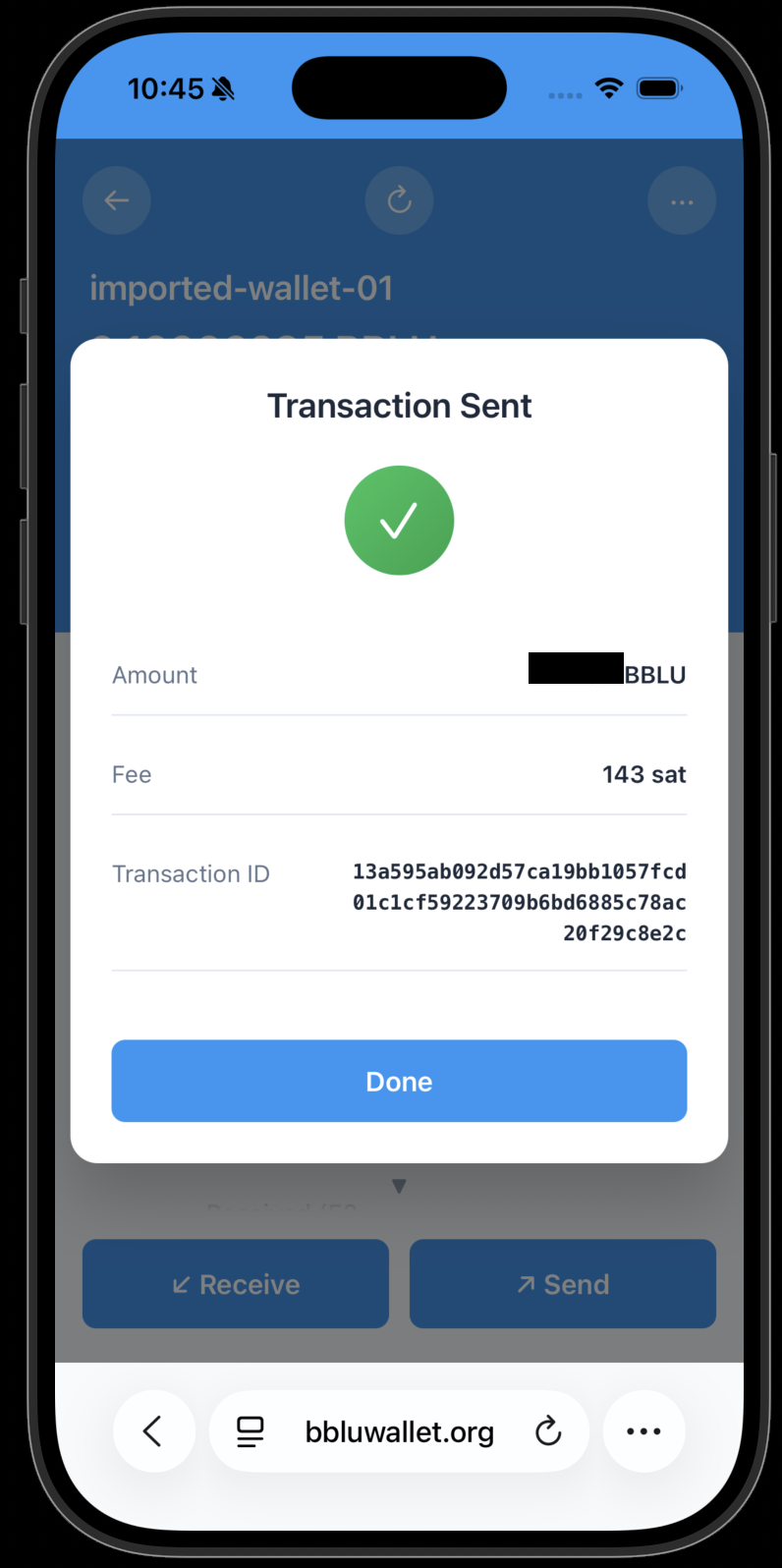
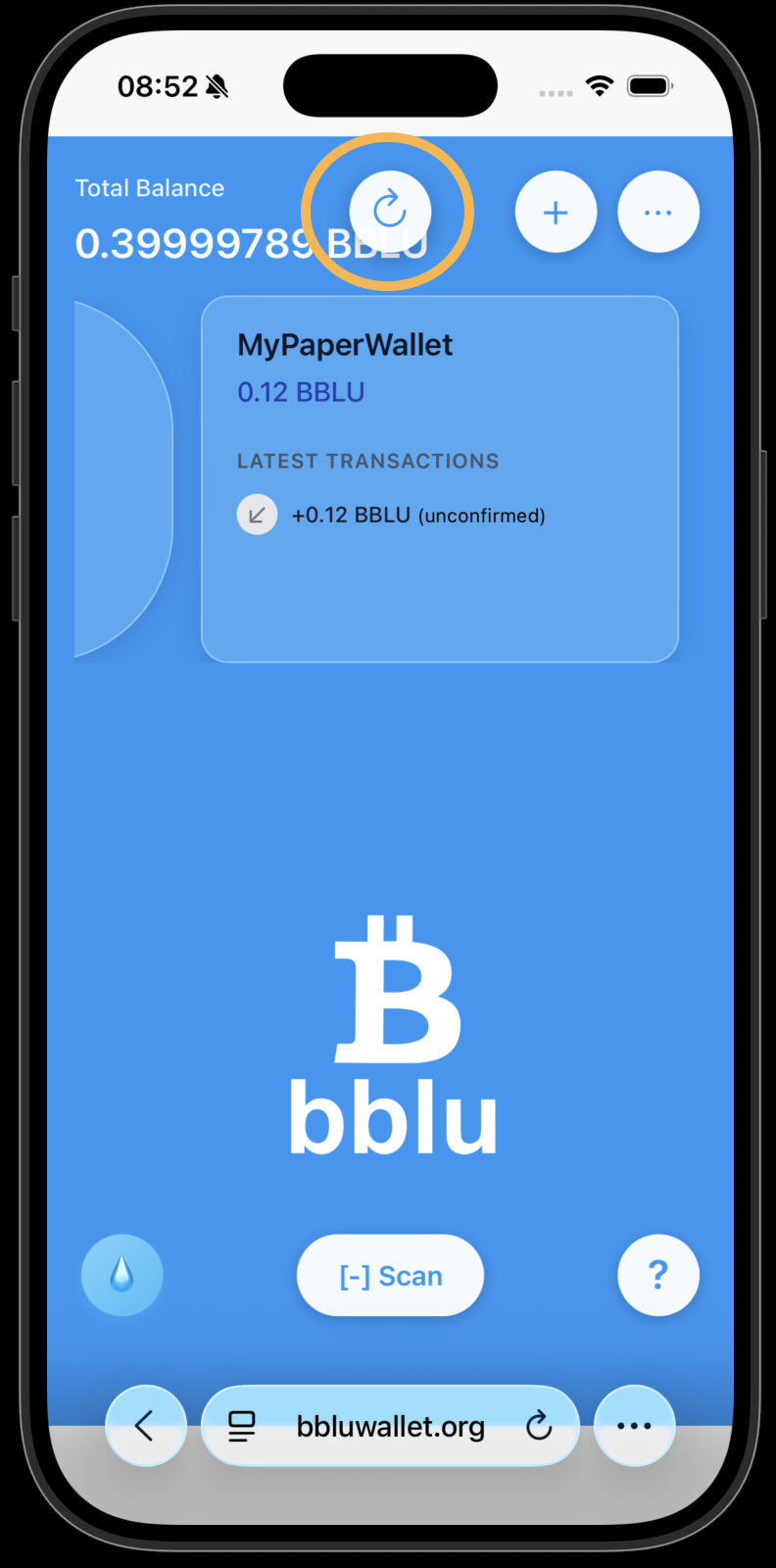
Refresh the amounts and transactions, if needed.