HOW TO (SCENARIOS)
- 1 I received a QR code (BBLU-DROP Wallet). What's next? ›
- 2 I want to carry some BBLU on my mobile phone. ›
- 3 I want to give a BBLU-DROP Wallet to someone. ›
- 4 I want to send some BBLU to a friend. ›
- 5 I want to check the balance of my paper wallet. ›
I received a QR code (BBLU-DROP Wallet). What's next?
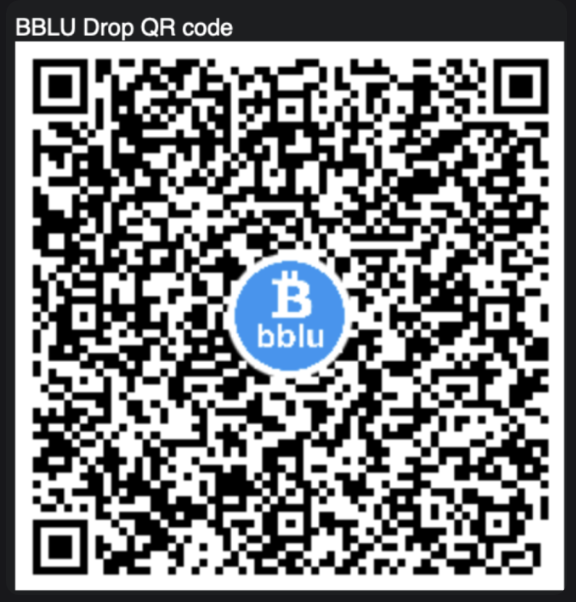
If you received a BBLU-DROP Wallet QR code, scan it with your mobile phone. The QR code represents a web URL. Open the URL in your browser.
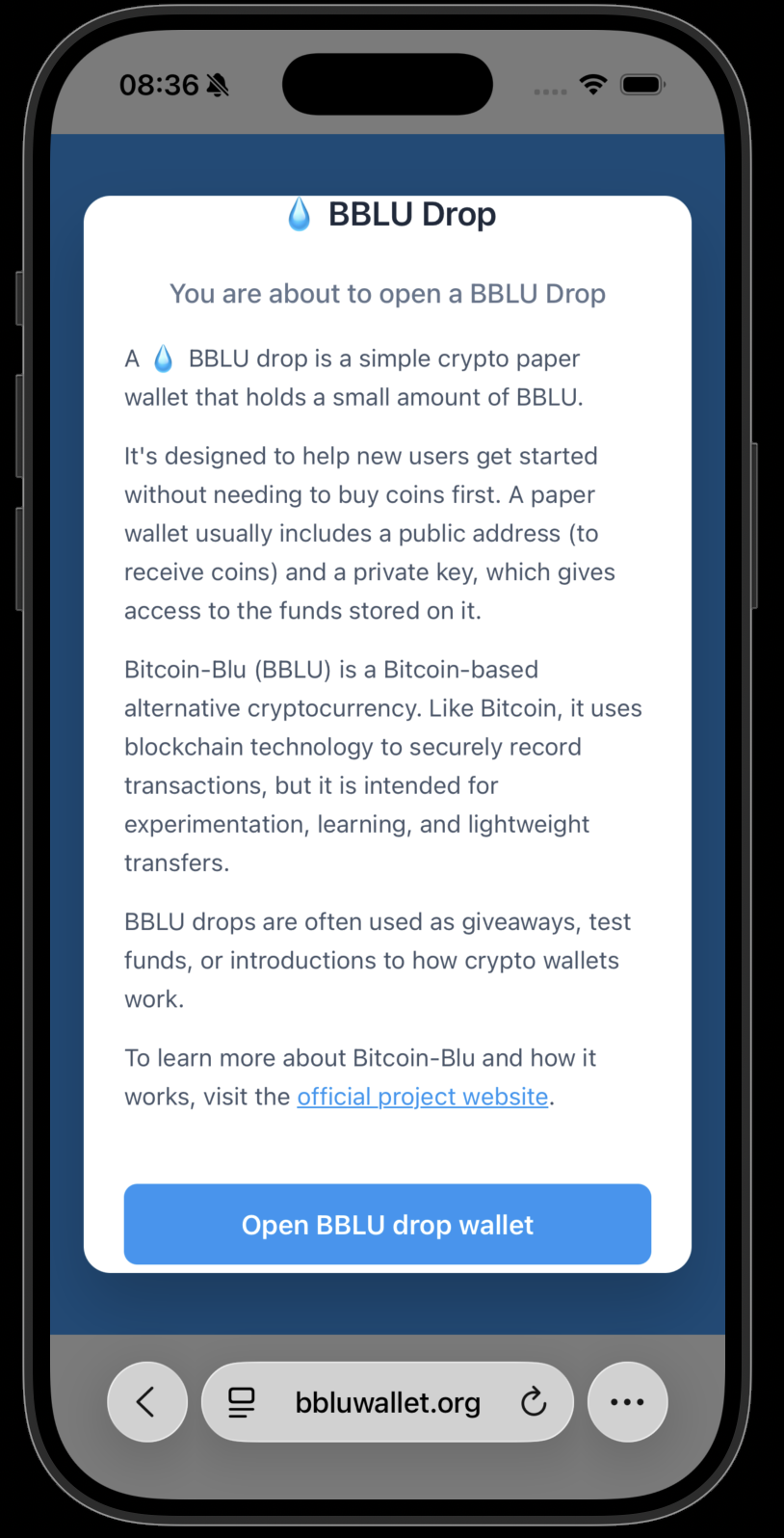
Read the information carefully. Then press the "Open BBLU Drop Wallet" button.
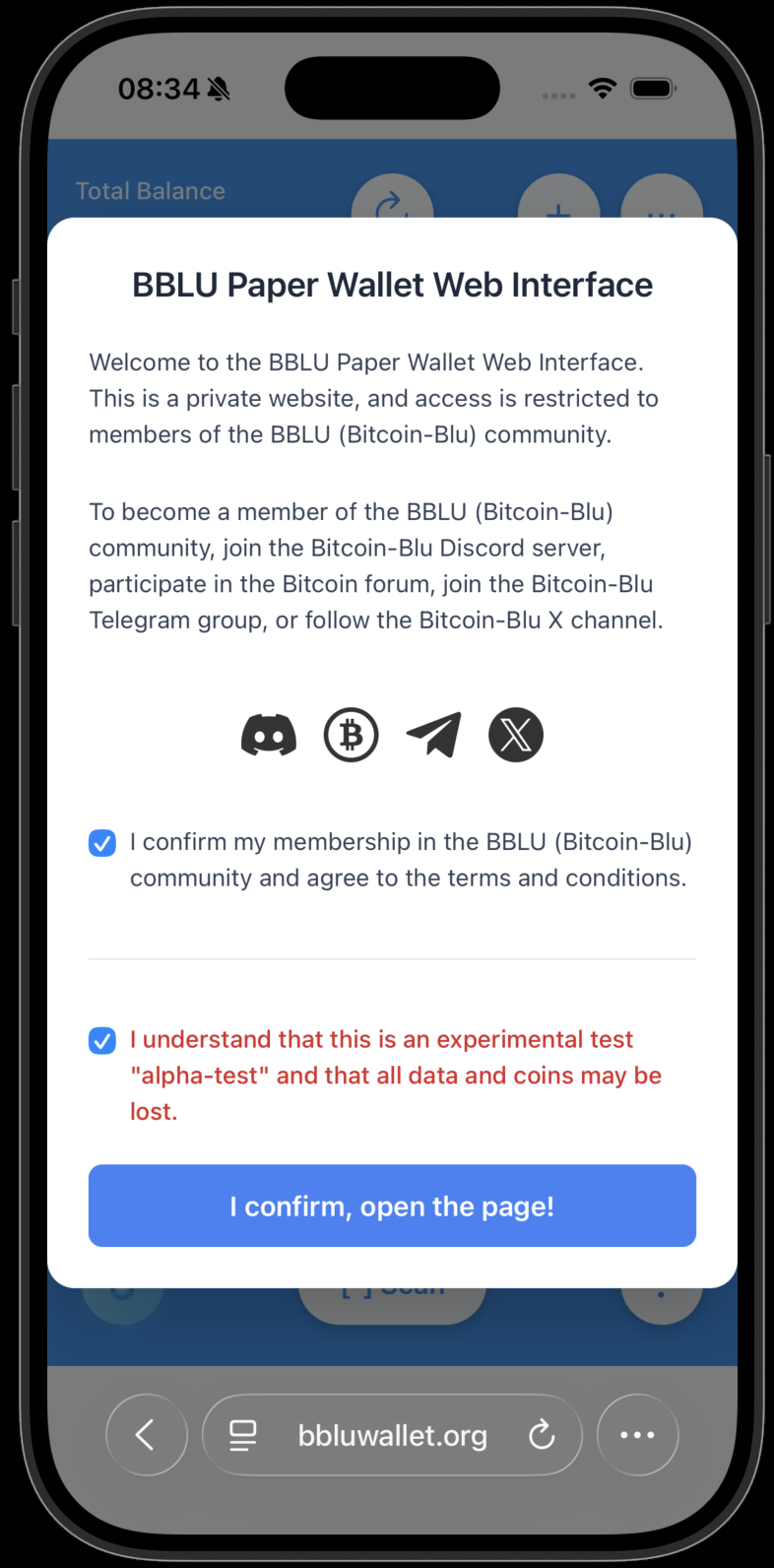
The welcome screen will appear. Visit one of the social links to become part of the BBLU community. Accept the confirmation and press "I confirm."
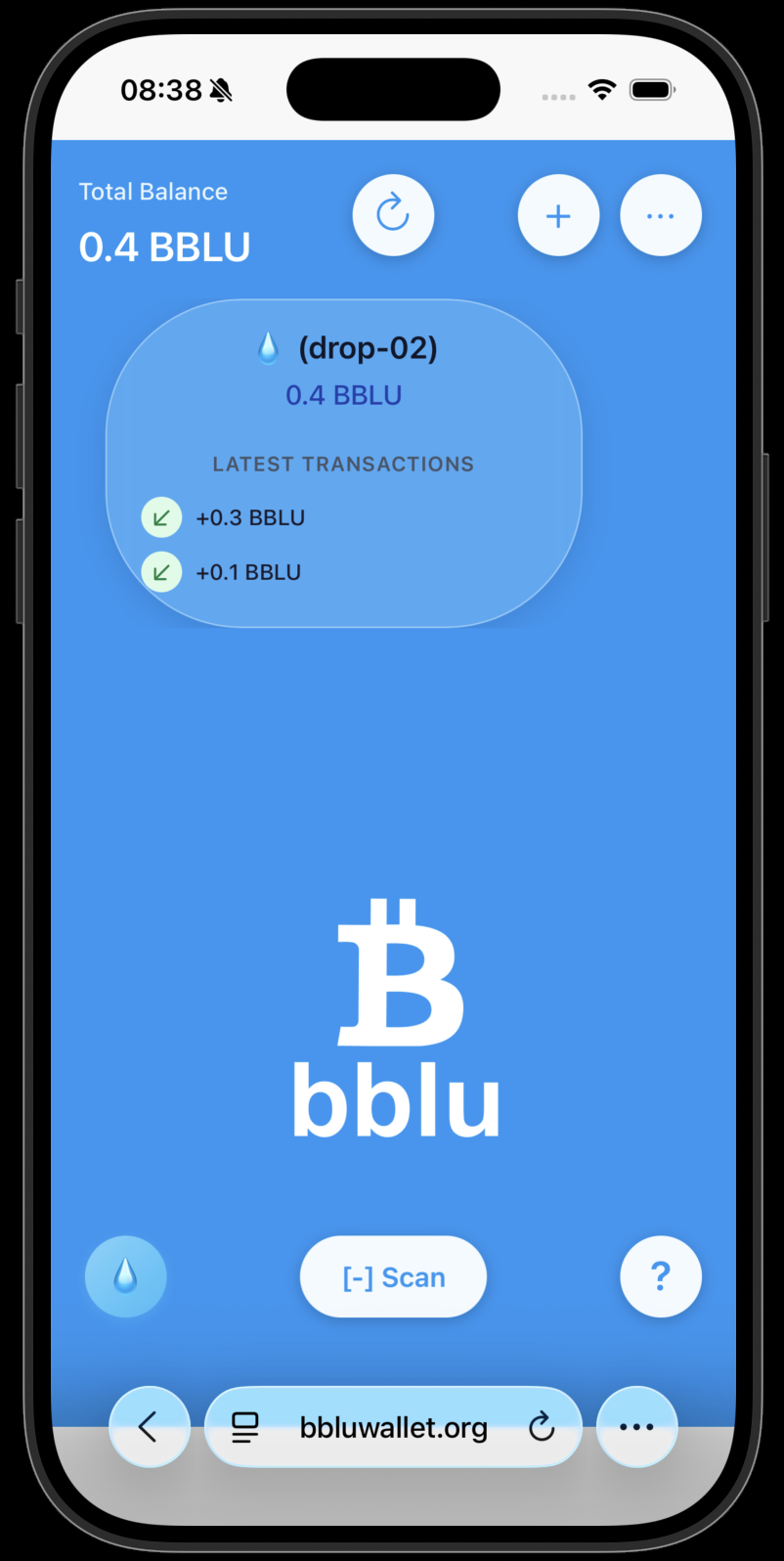
If you're lucky, the DROP wallet contains a balance. Since the QR code could also be scanned by someone else, you should transfer the BBLU coins to your own private wallet as soon as possible.
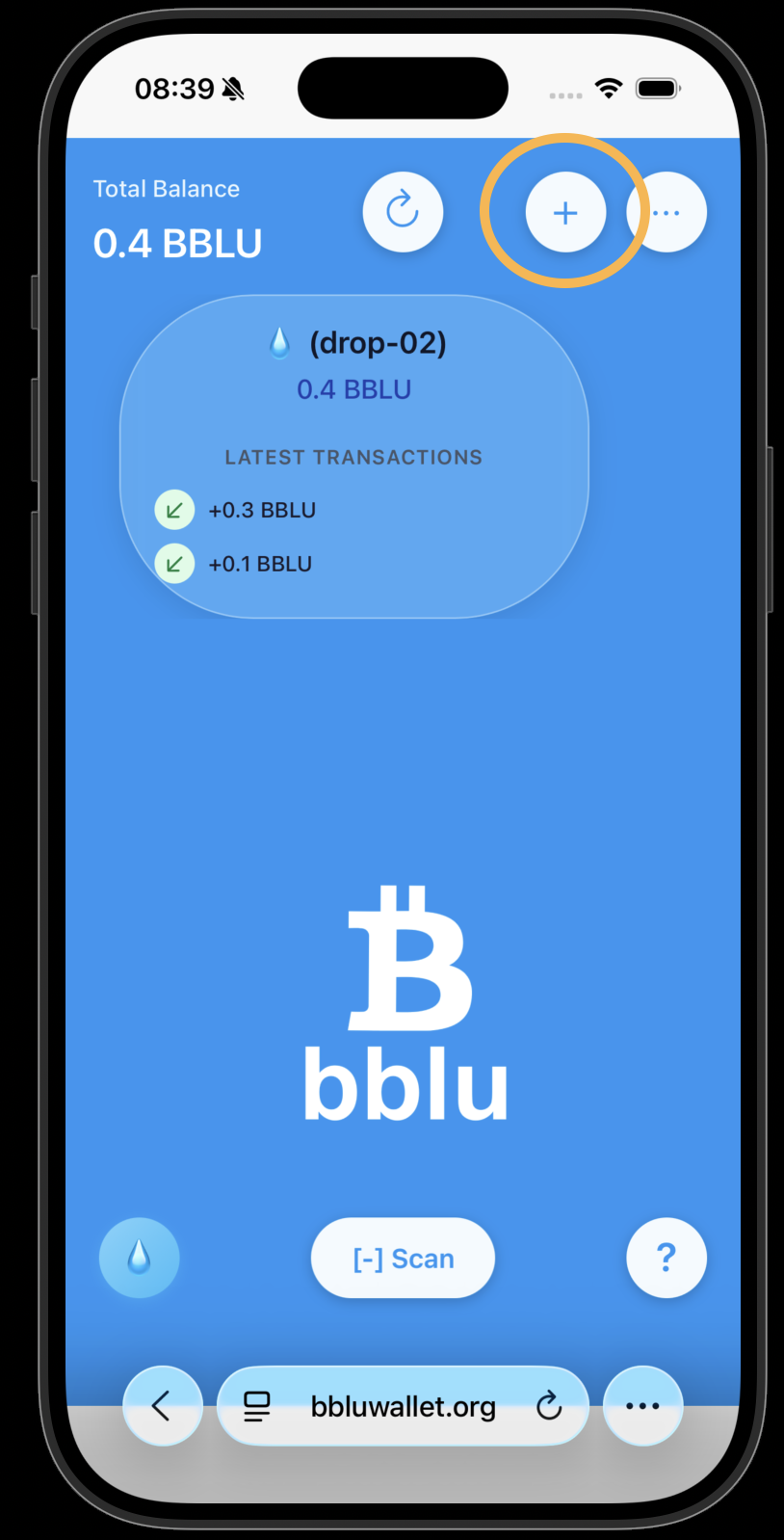
Create your own private paper wallet. Press the "+" button.
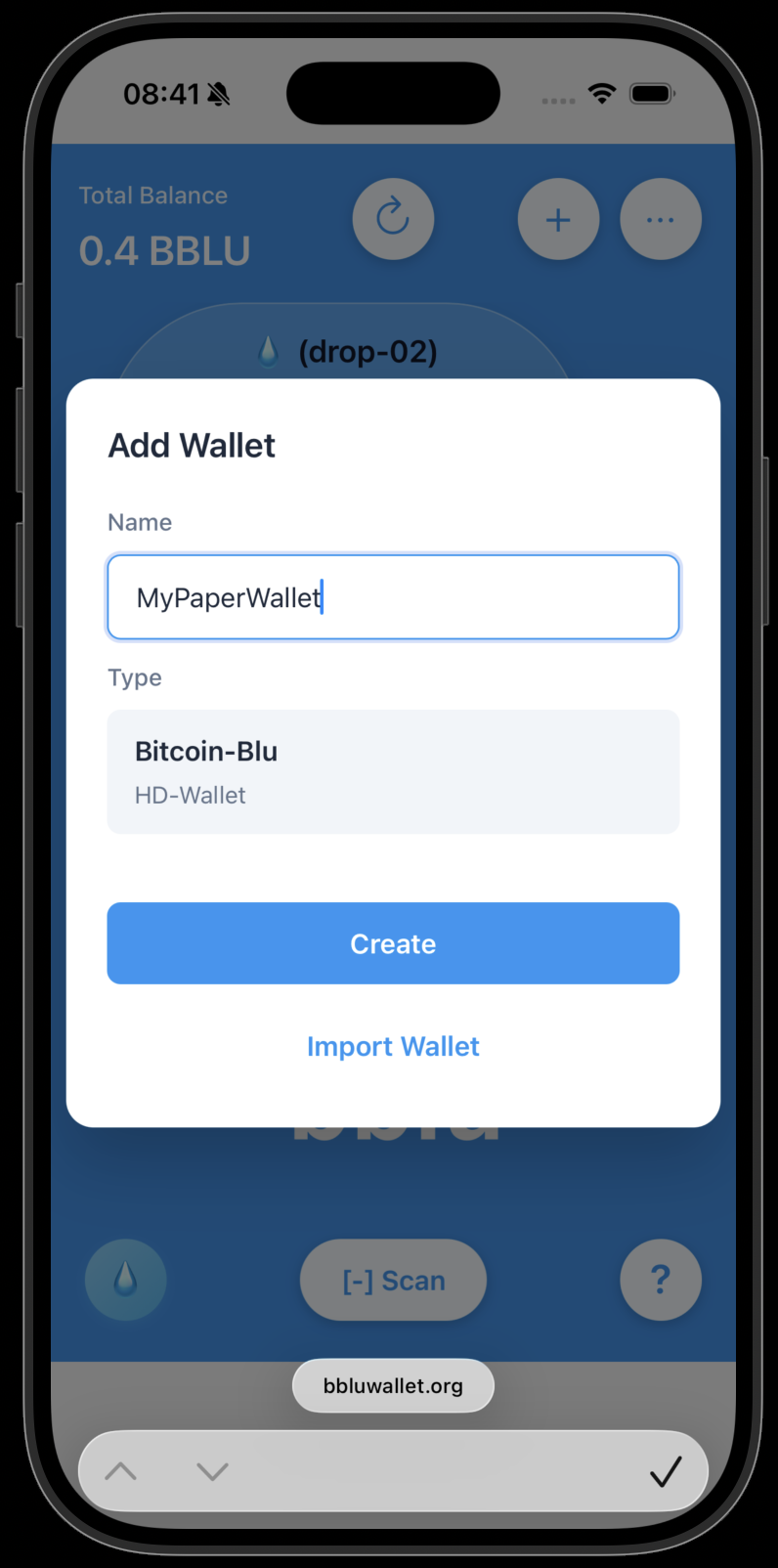
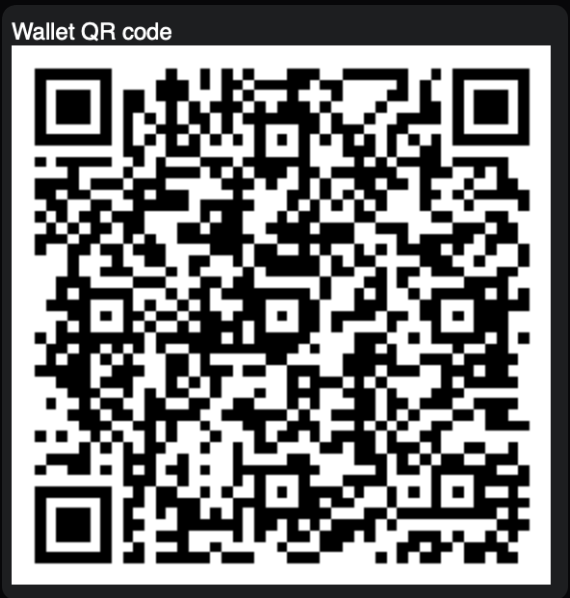
Give your private wallet a name (e.g., MyPaperWallet). Press the "Create" button. Write down the 12 mnemonic words and store them in a secure place. Export the private wallet QR code and print it. ⚠️ Important: If someone finds your private QR code or mnemonic words, they can steal your BBLU coins.
Keep the printed QR code in a safe place.
Click on your private wallet to open the details page.
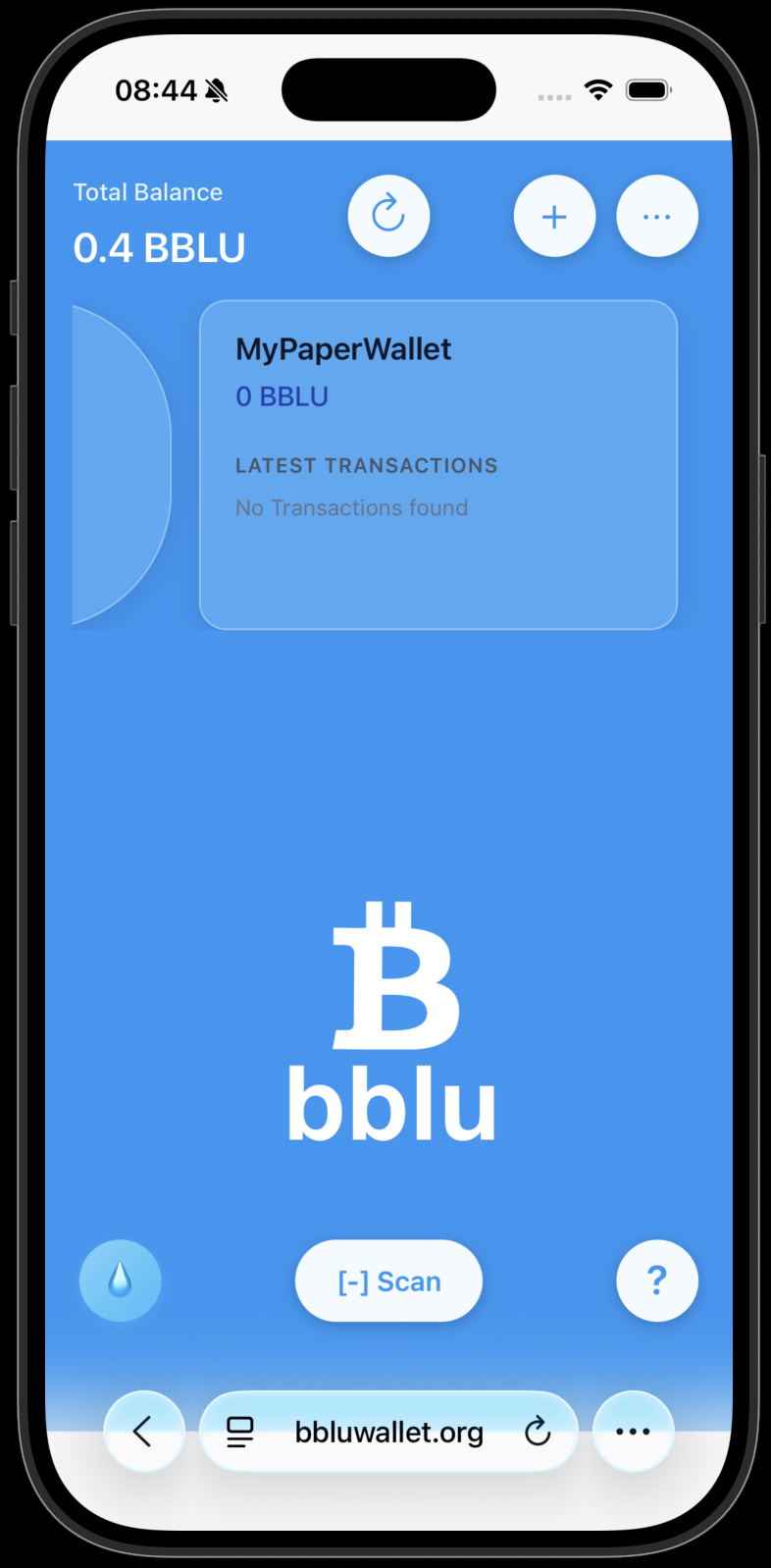
Press the "Receive" button.
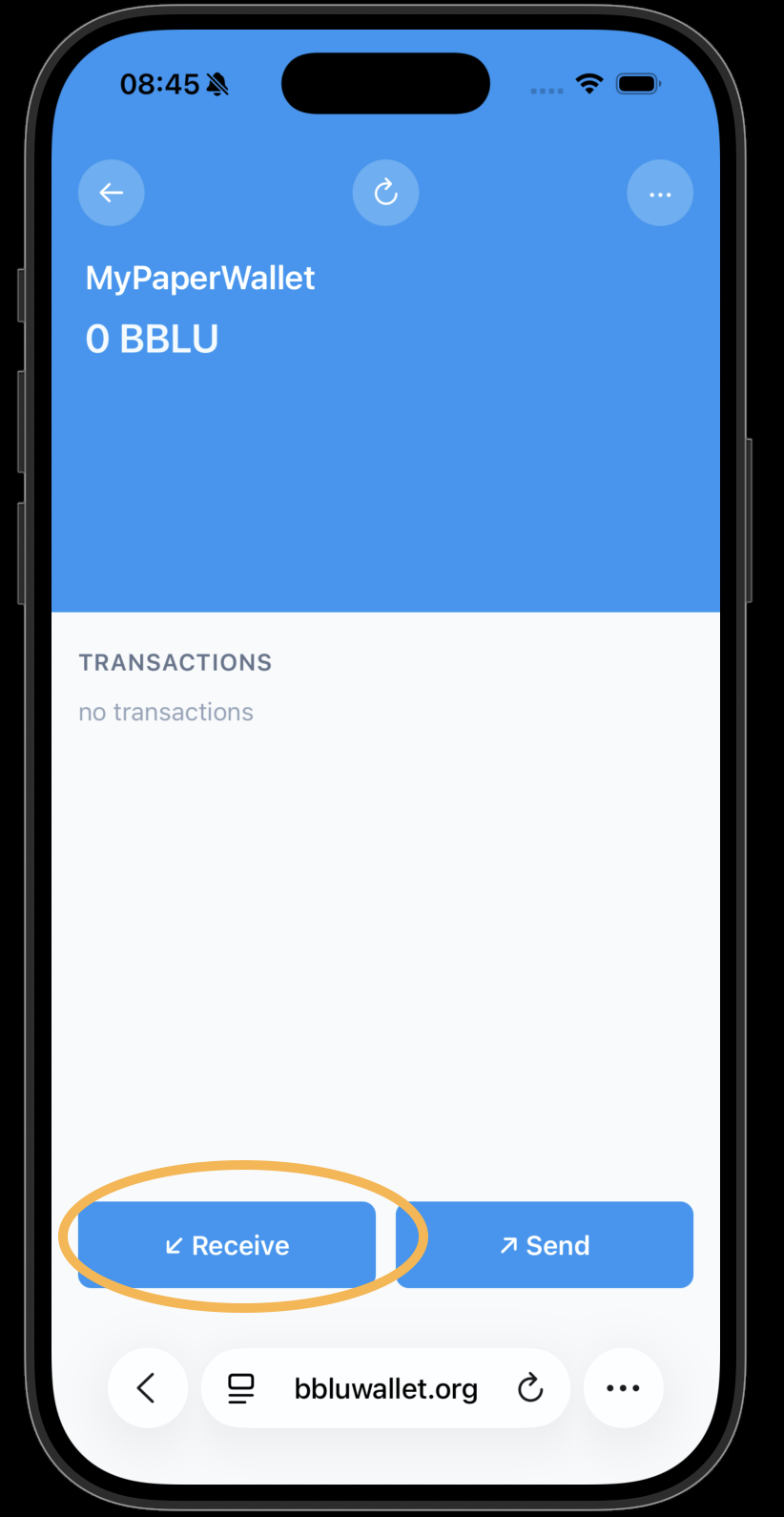
Copy the bb1… address to your clipboard. Press "Close" and return to the main page.
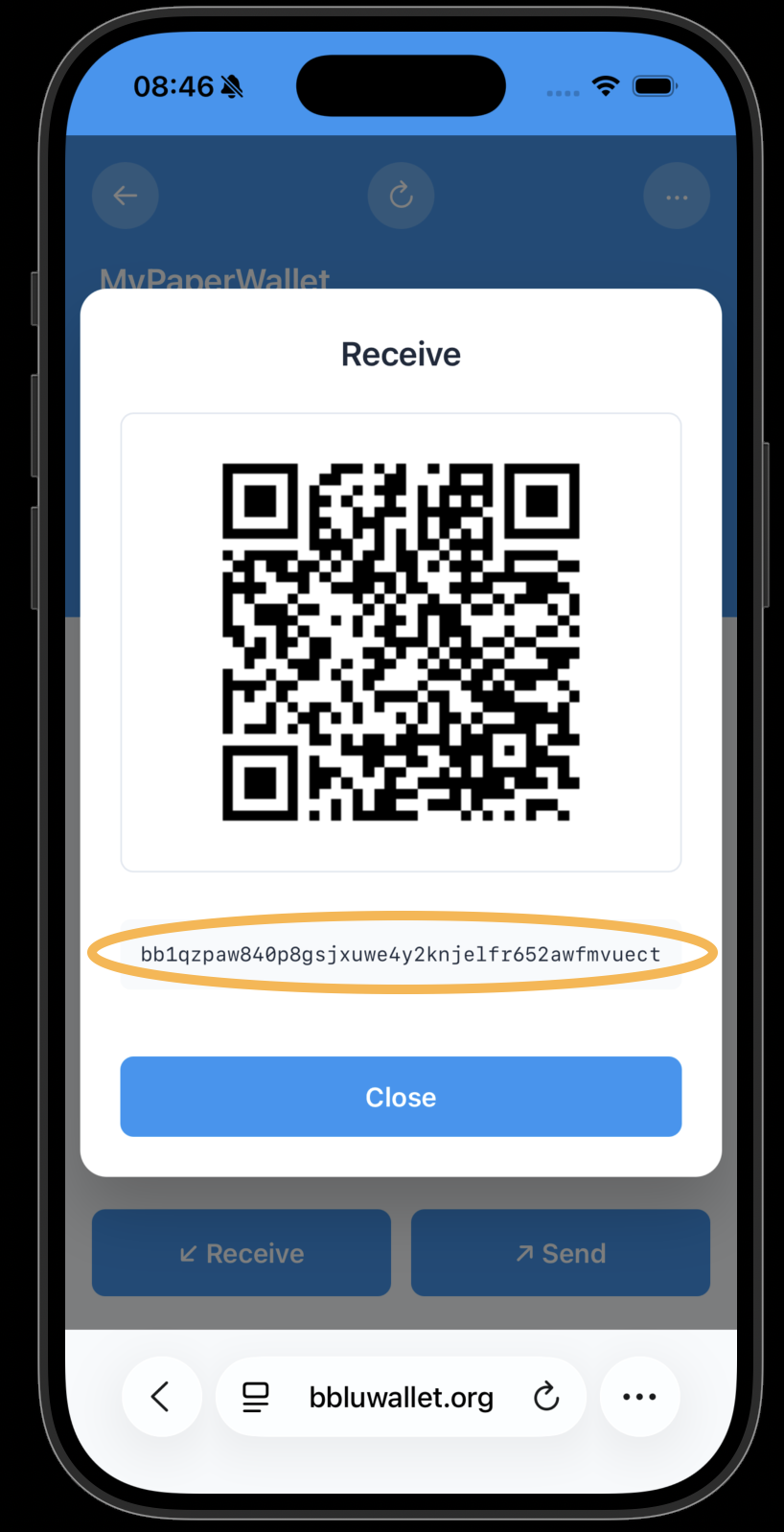
Click on the DROP wallet to open its details page.
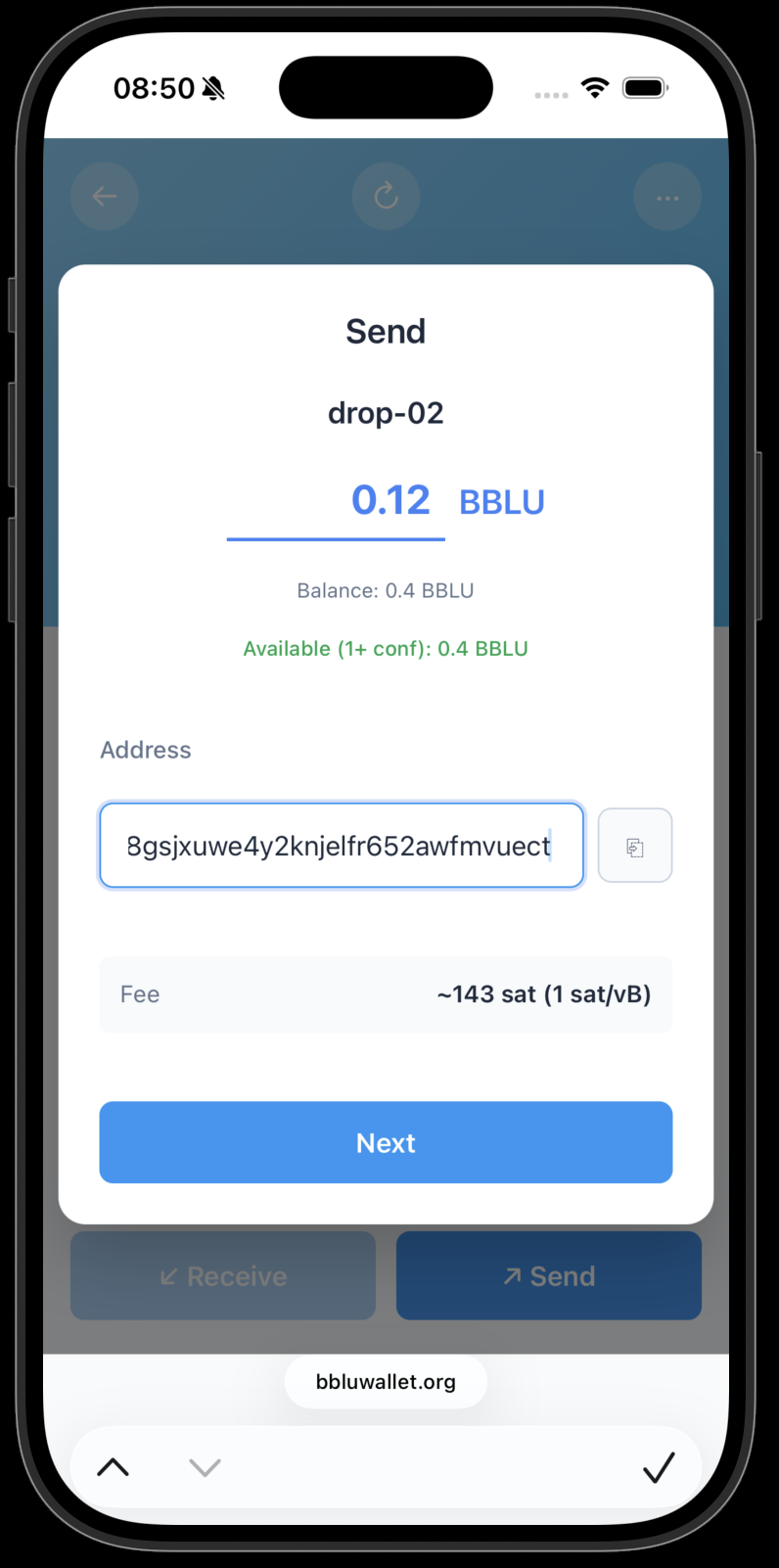
Check the balance and press the "Send" button.
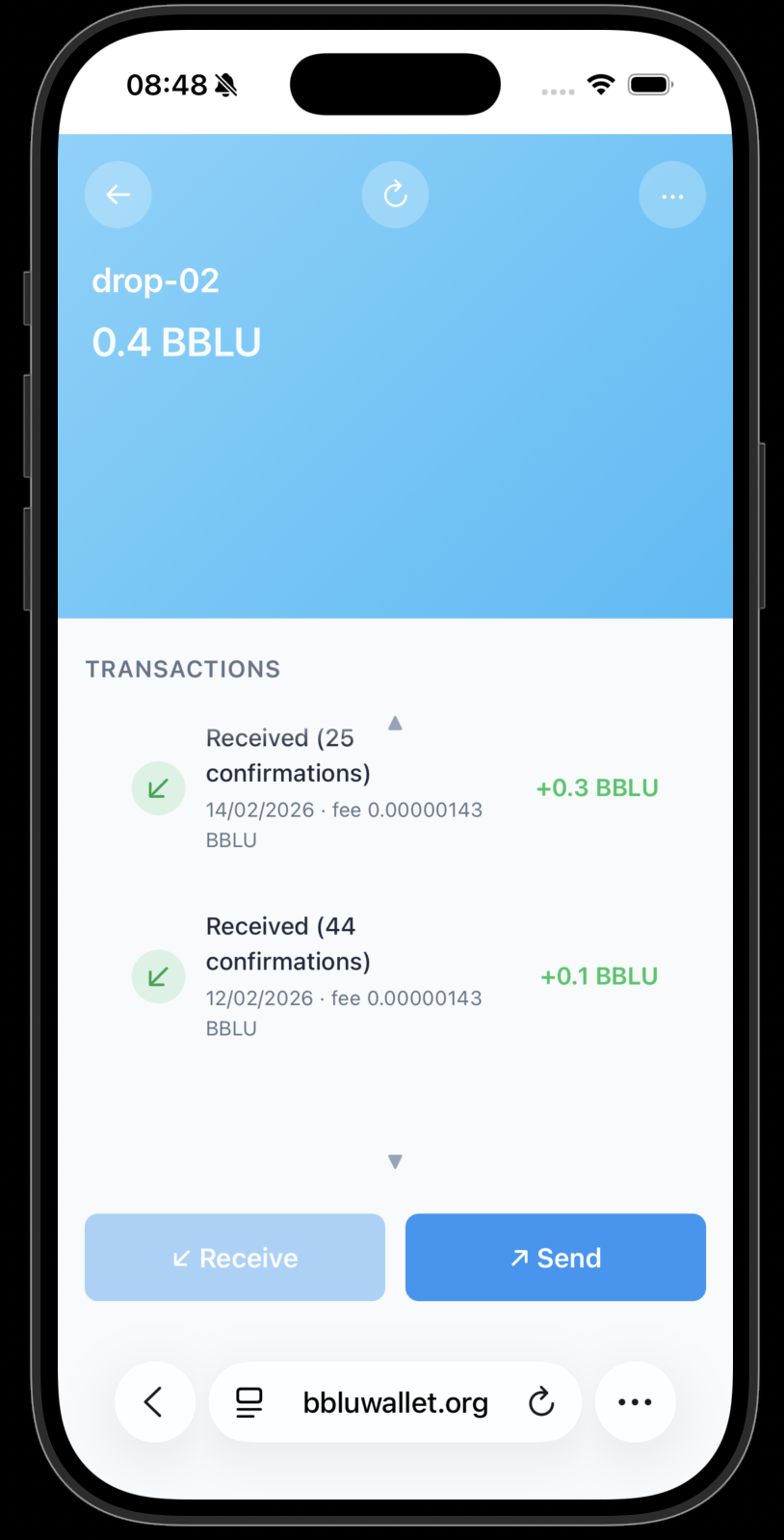
Enter the full balance amount. Paste the copied bb1… address into the recipient field. Press "Next."
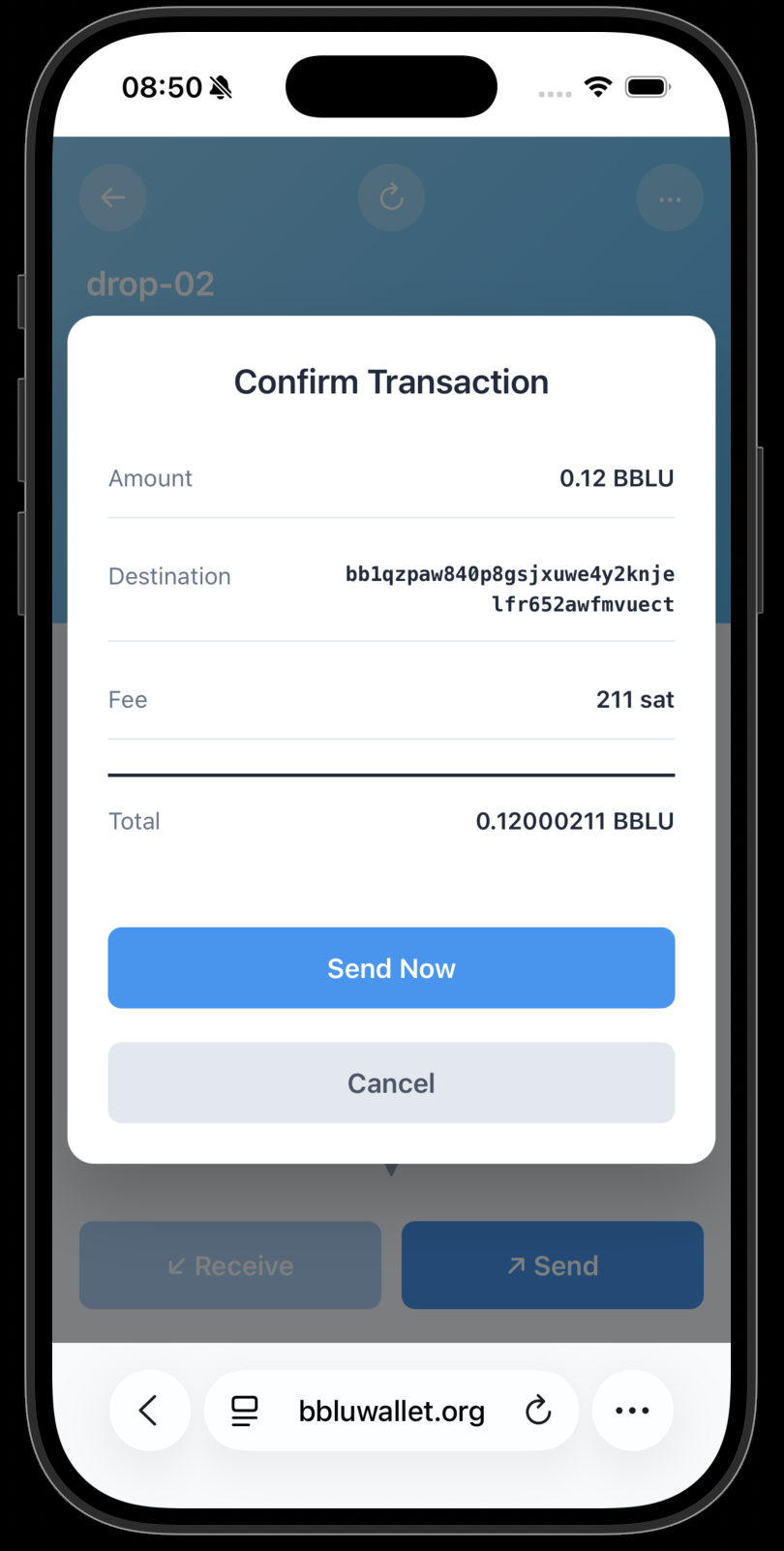
Review the transaction details carefully. Confirm the transaction and press "Send Now."
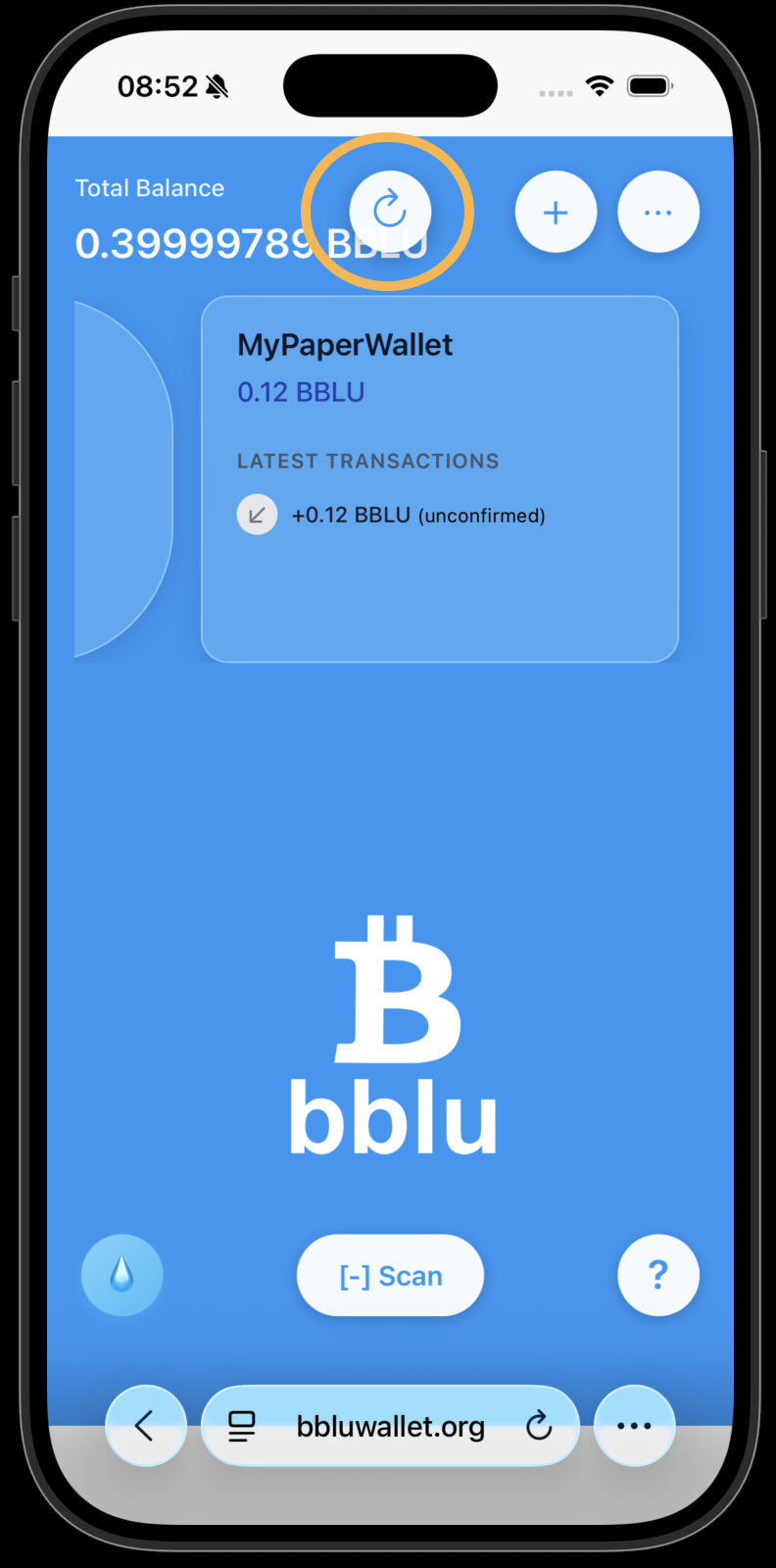
Refresh the amounts and transactions, if needed.