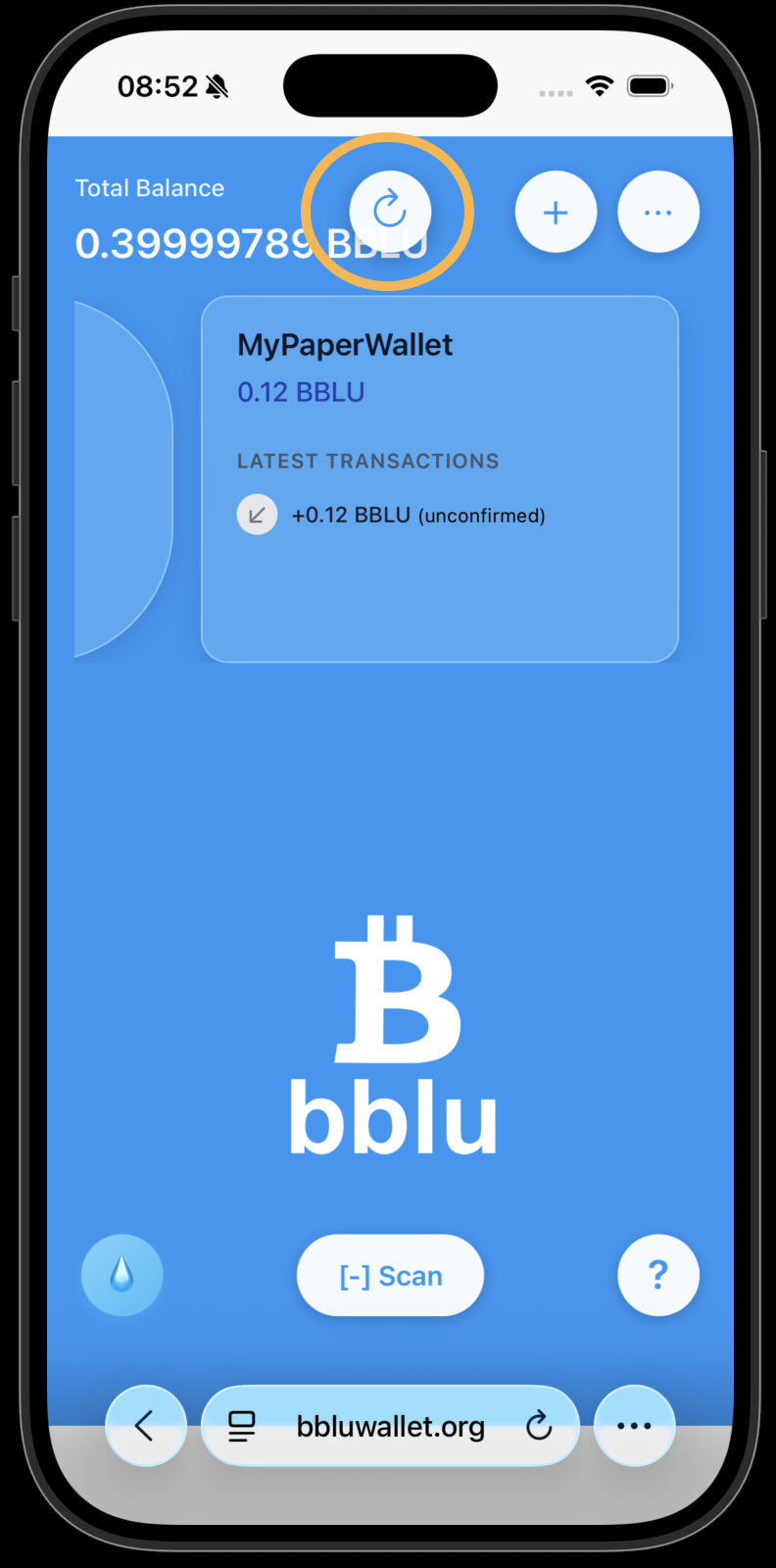
I want to send some BBLU to a friend.
Alice wants to send 10 BBLU to Bob. Both use the BBLU wallet web interface on their mobile phones.
Open the BBLU wallet web interface on https://bbluwallet.org.
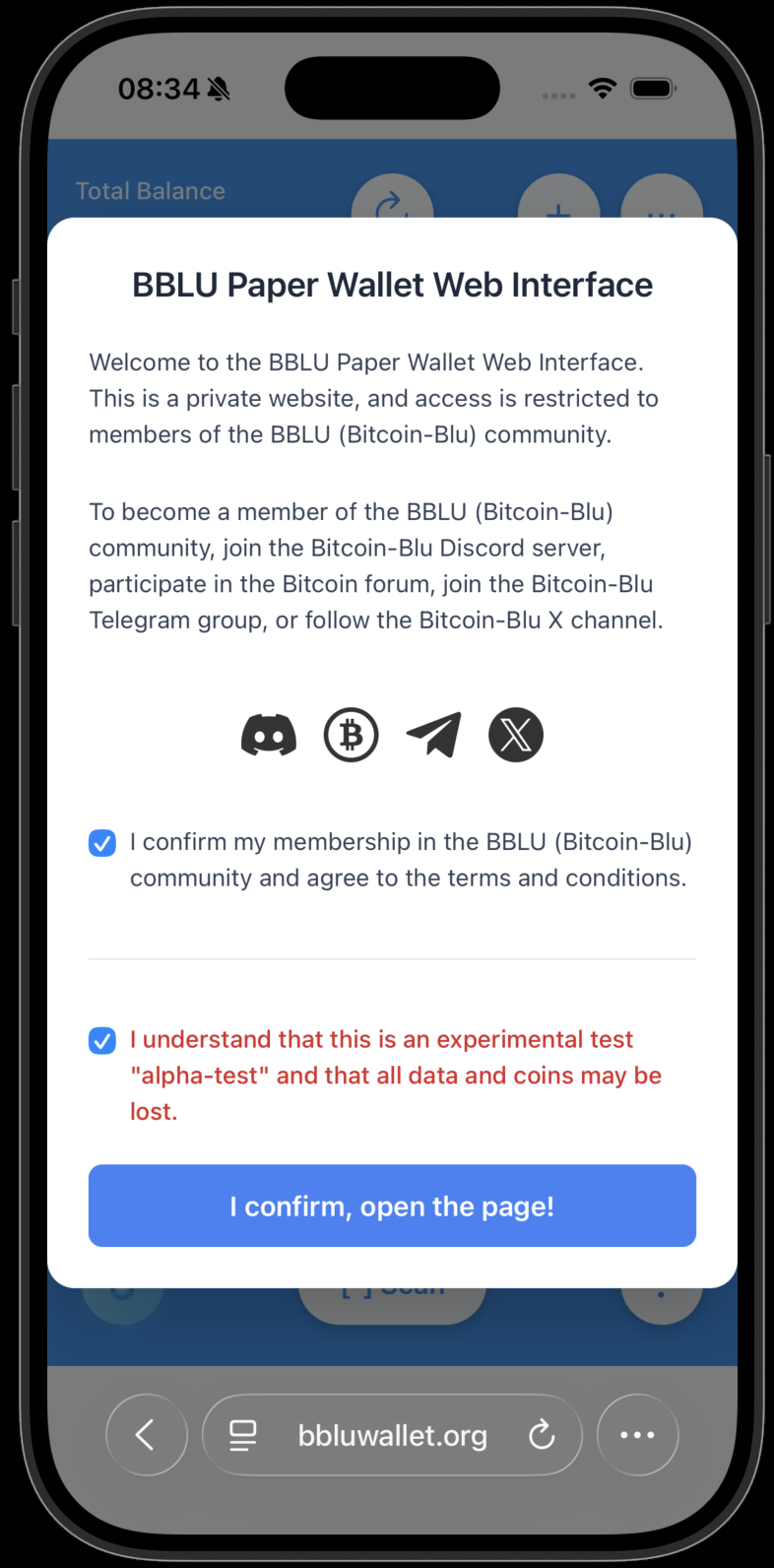
Press the "Scan" button.
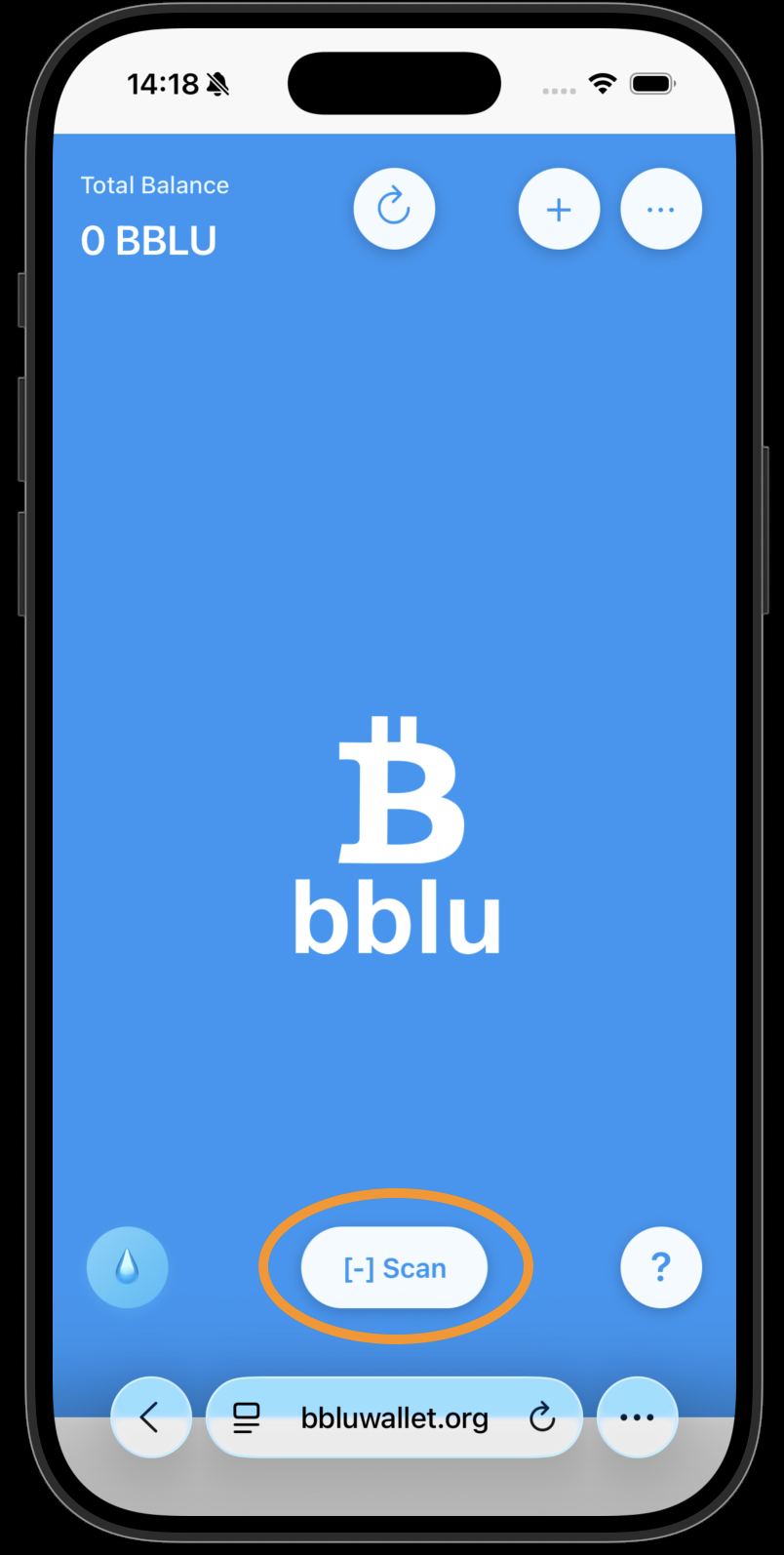
Point the camera at your private paper wallet QR code.
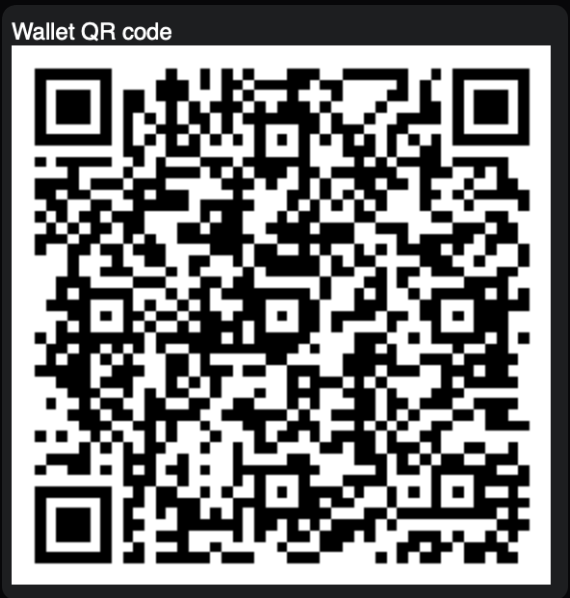
Click on your private wallet to open the details page.
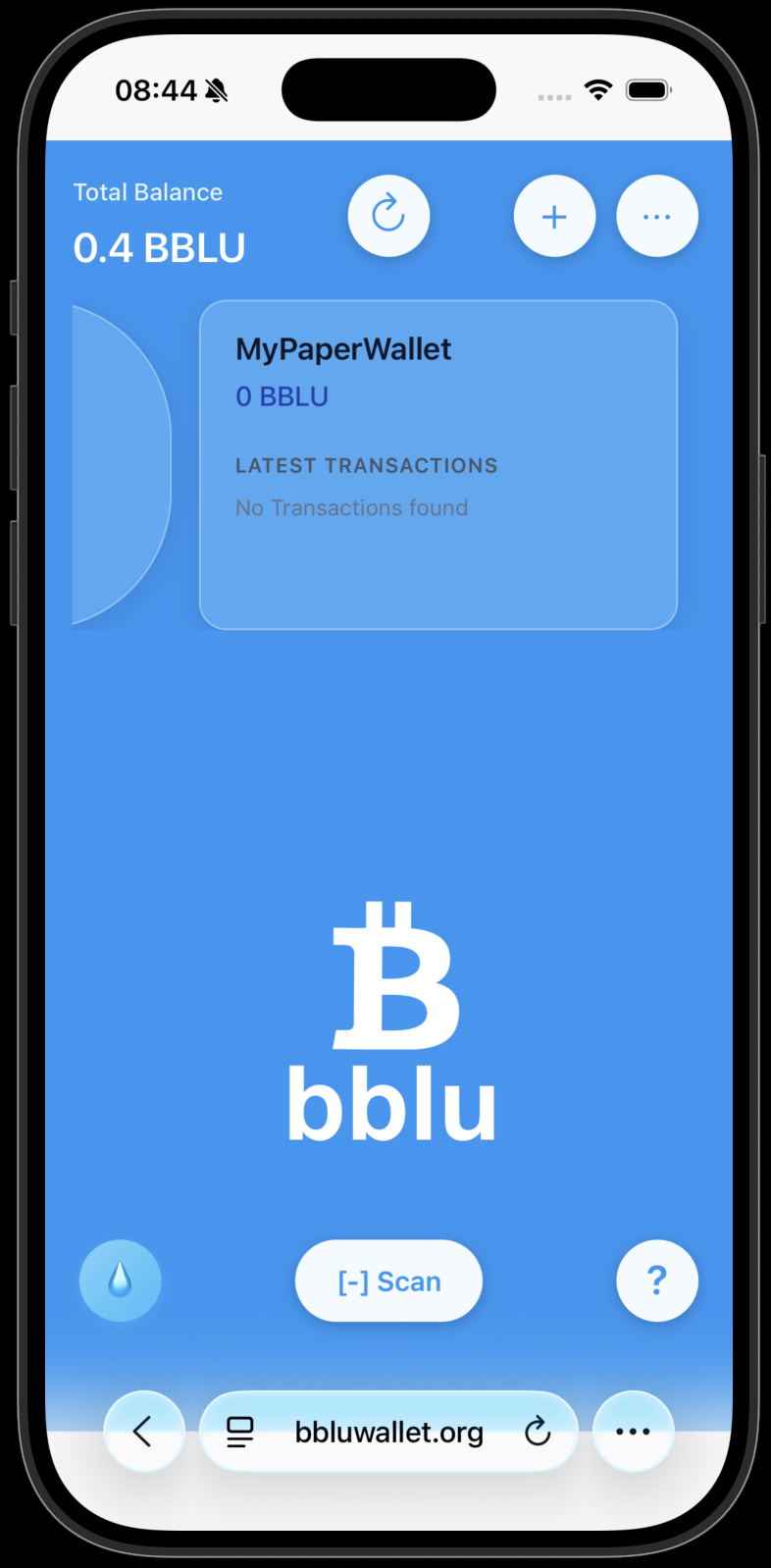
Press the "Send" button.
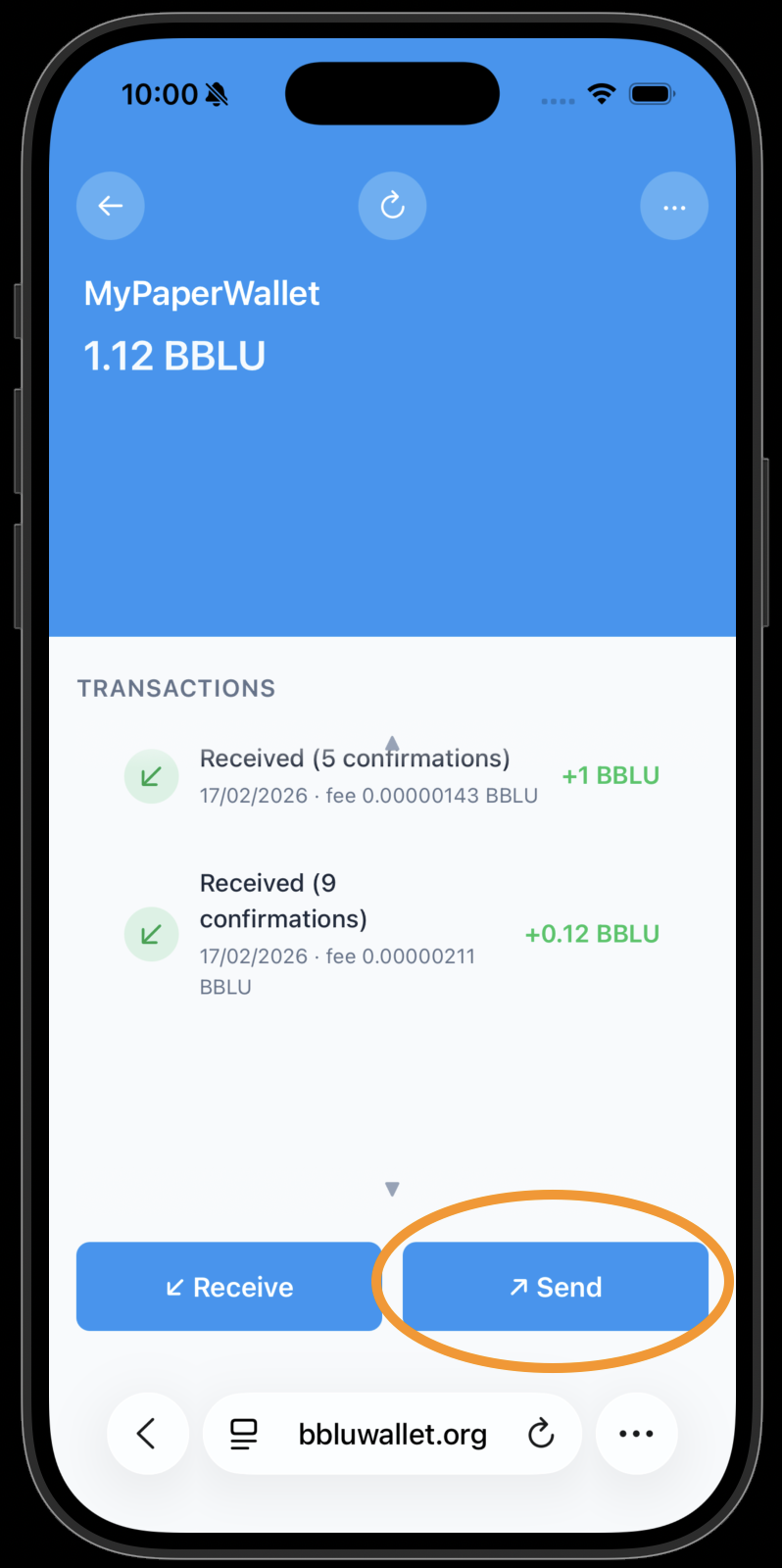
The Send popup opens. Enter the amount you want to send (e.g. 10 BBLU).
Open the BBLU wallet web interface on https://bbluwallet.org.
Press the "Scan" button.
Point the camera at your private paper wallet QR code.
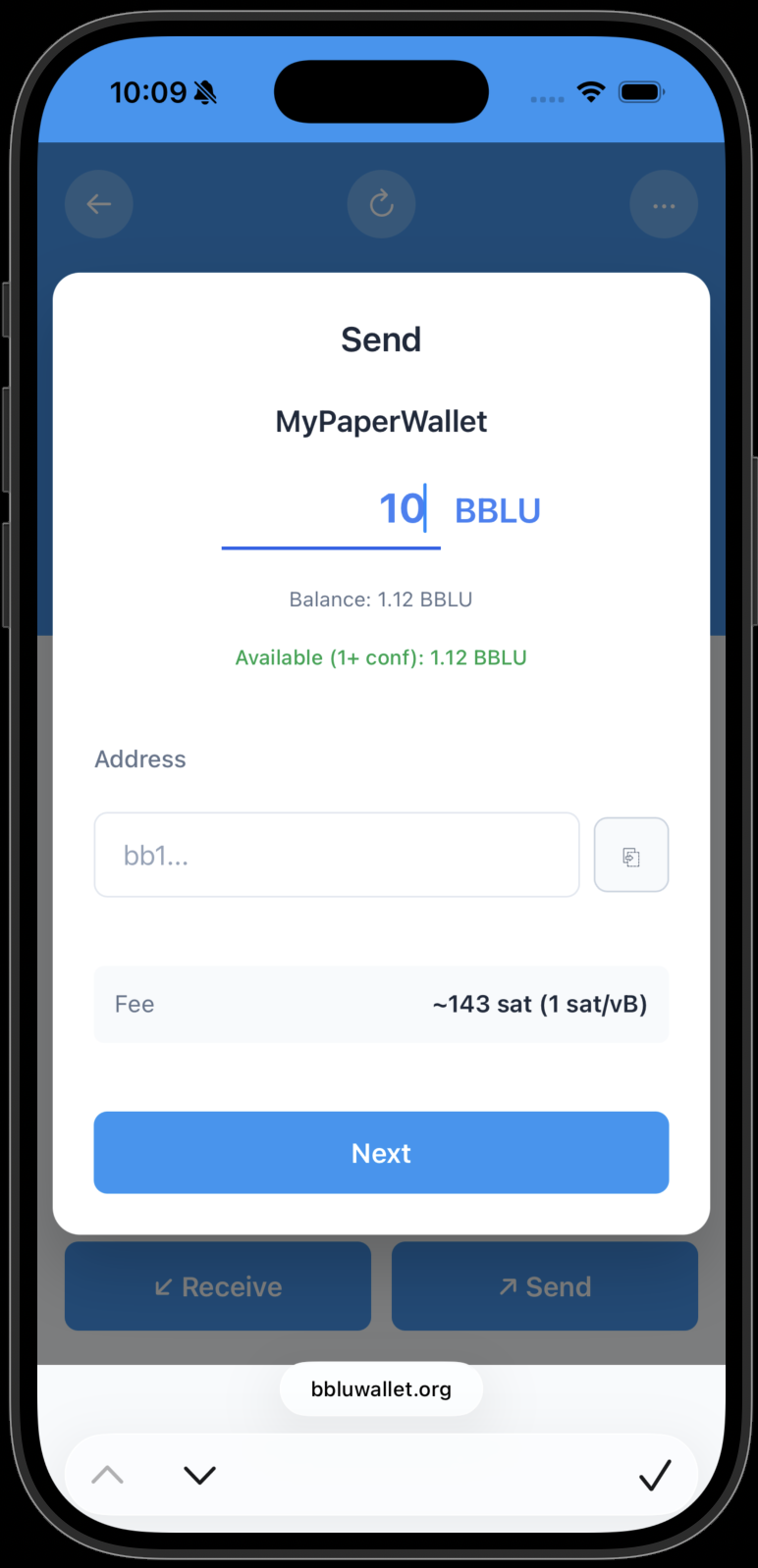
Click on your private wallet to open the details page.
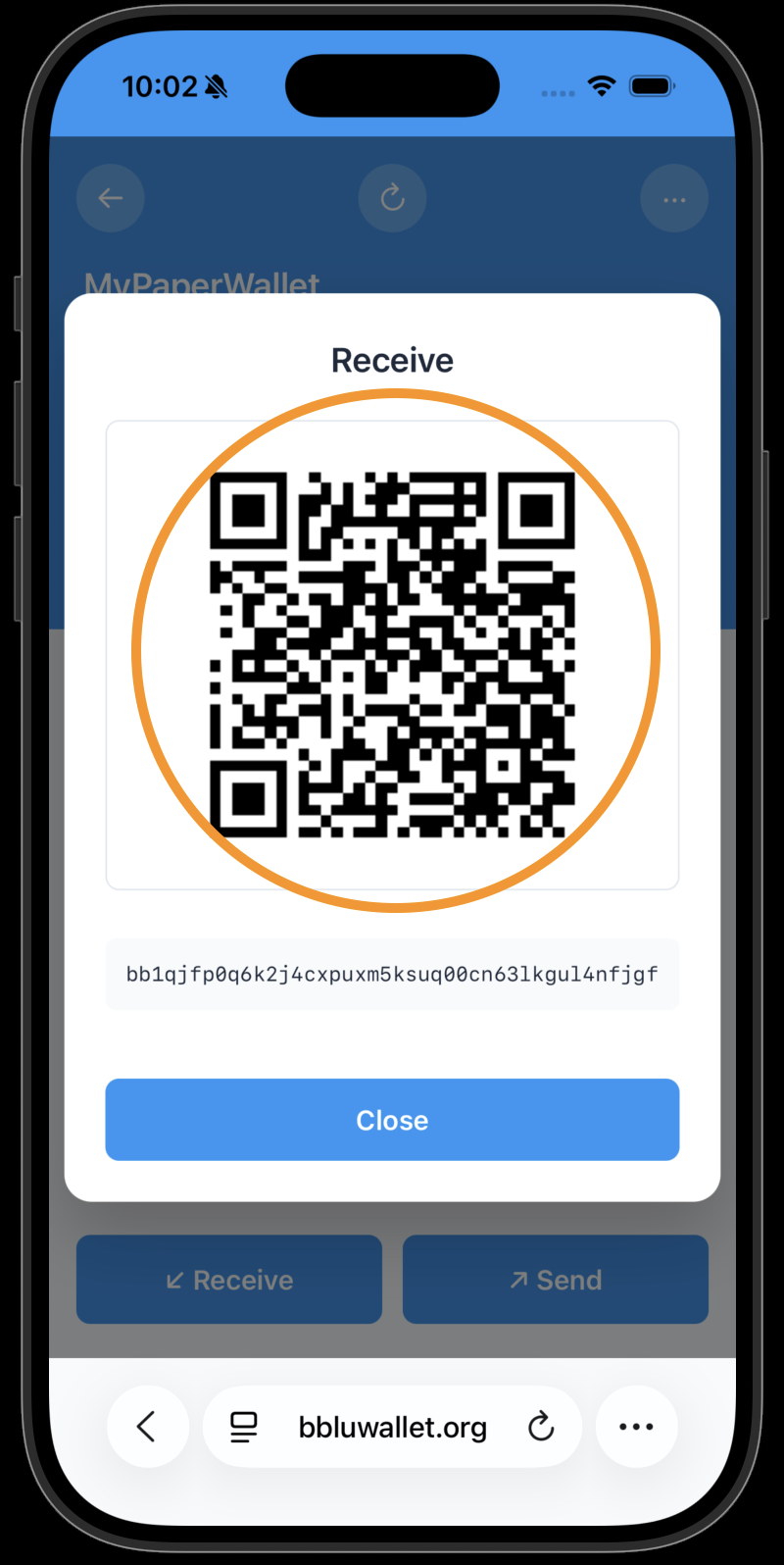
Press the "Receive" button.
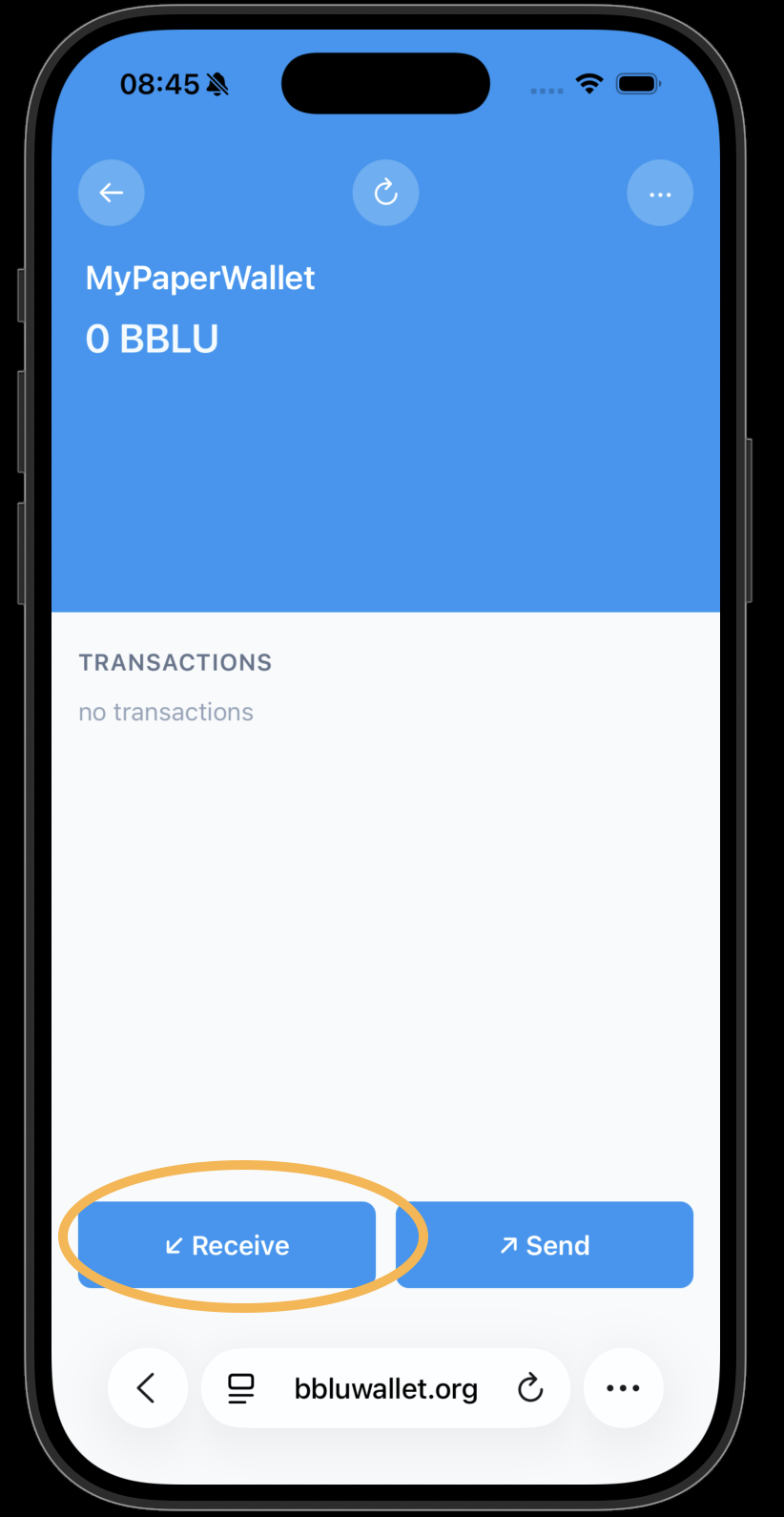
The Receive QR code is displayed. Keep this screen open so Alice can scan it.
Press the Scan button on the Send popup.
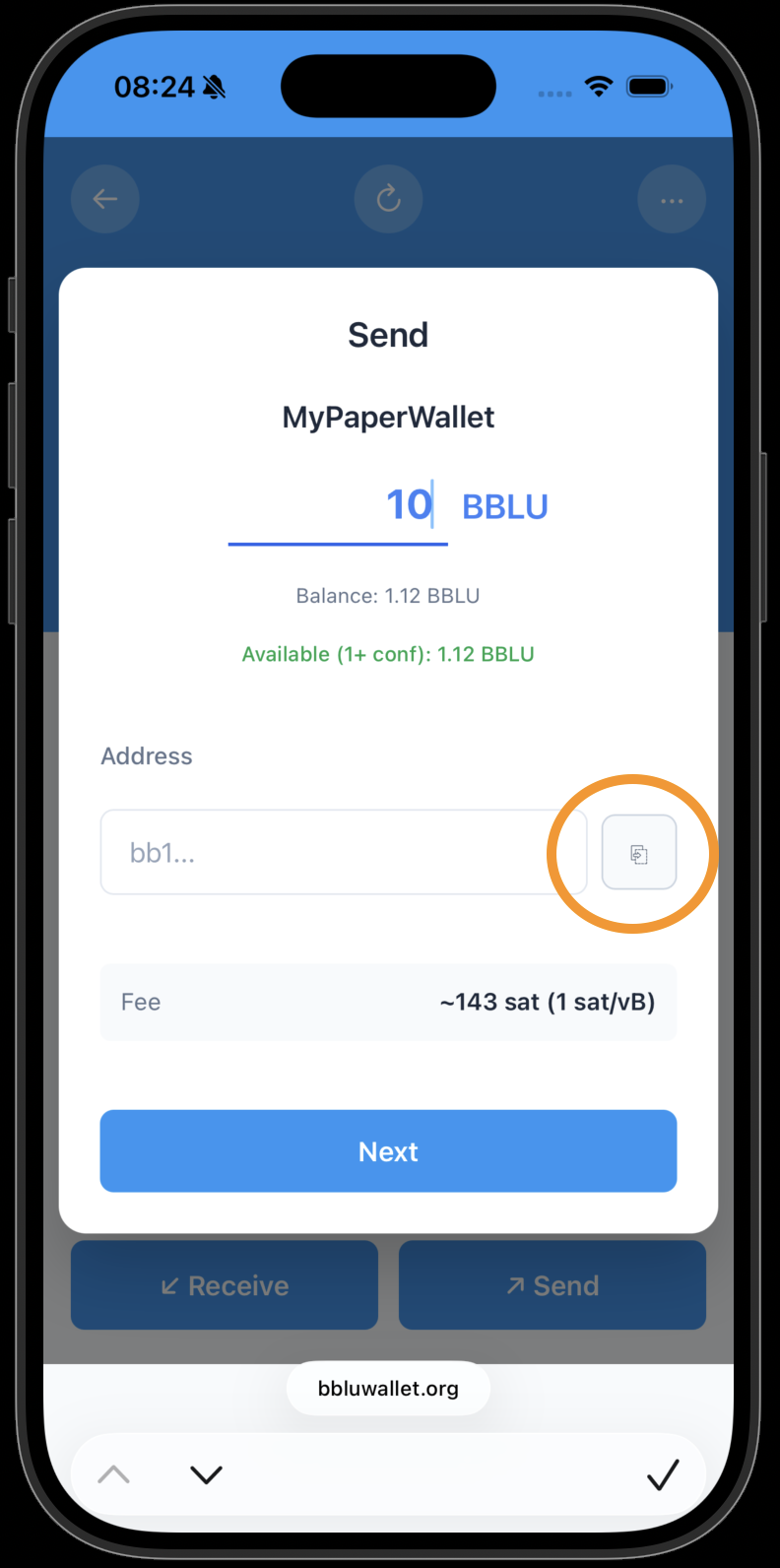
Scan the QR code that is visible on Bob's mobile phone.
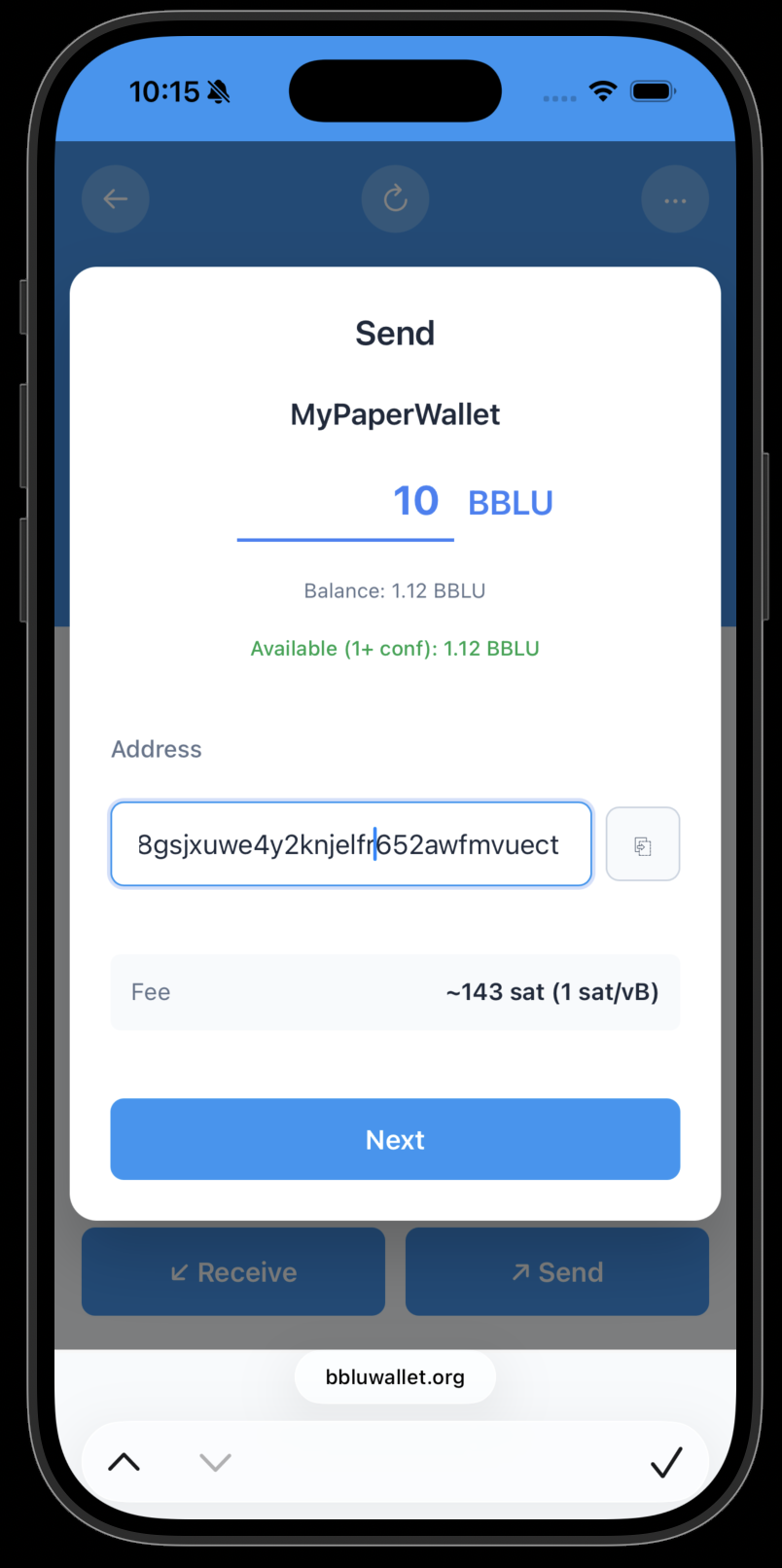
The destination address is now filled in. Press "Next."
Review the transaction details carefully. Confirm the transaction and press "Send Now."
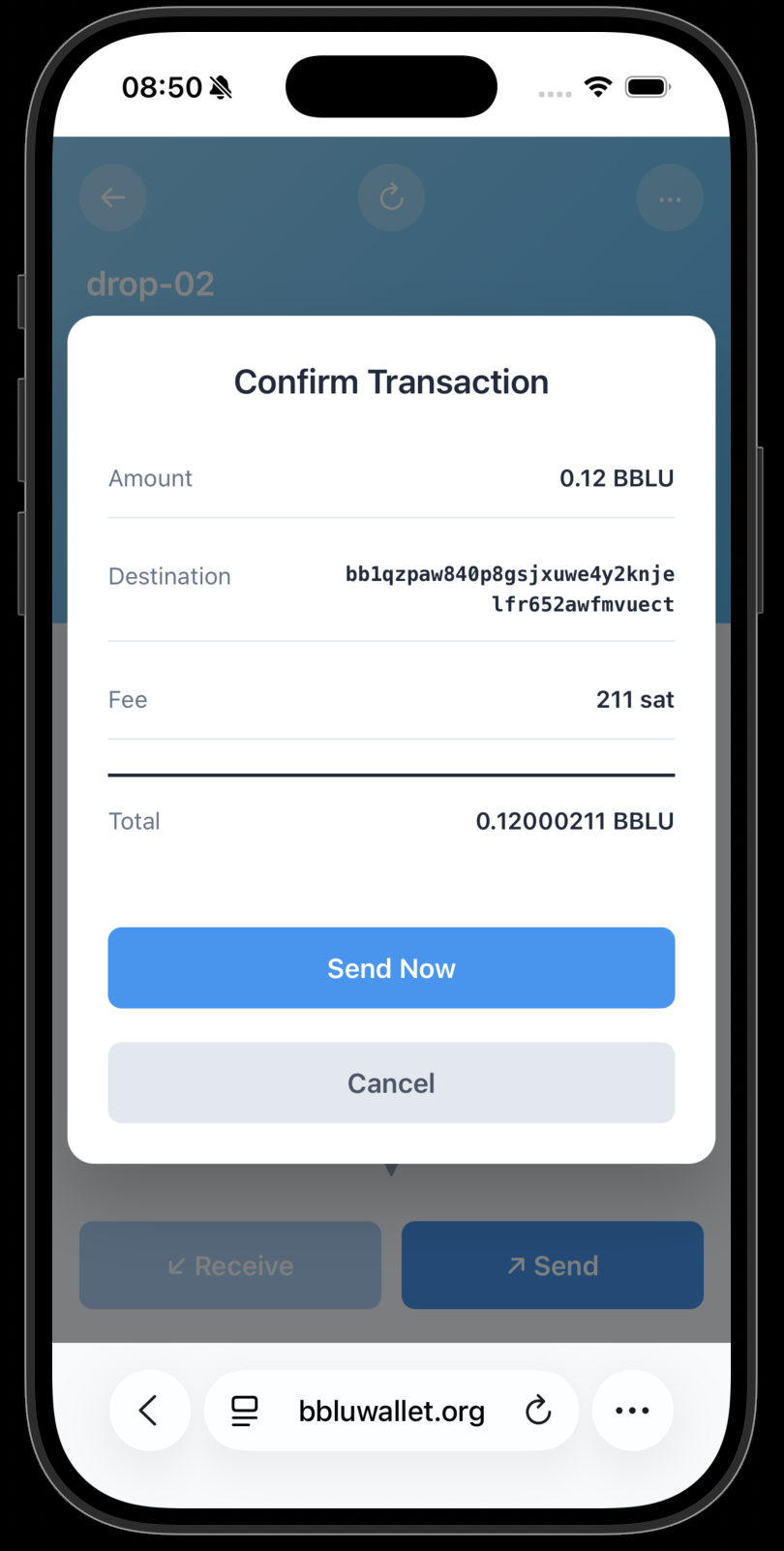
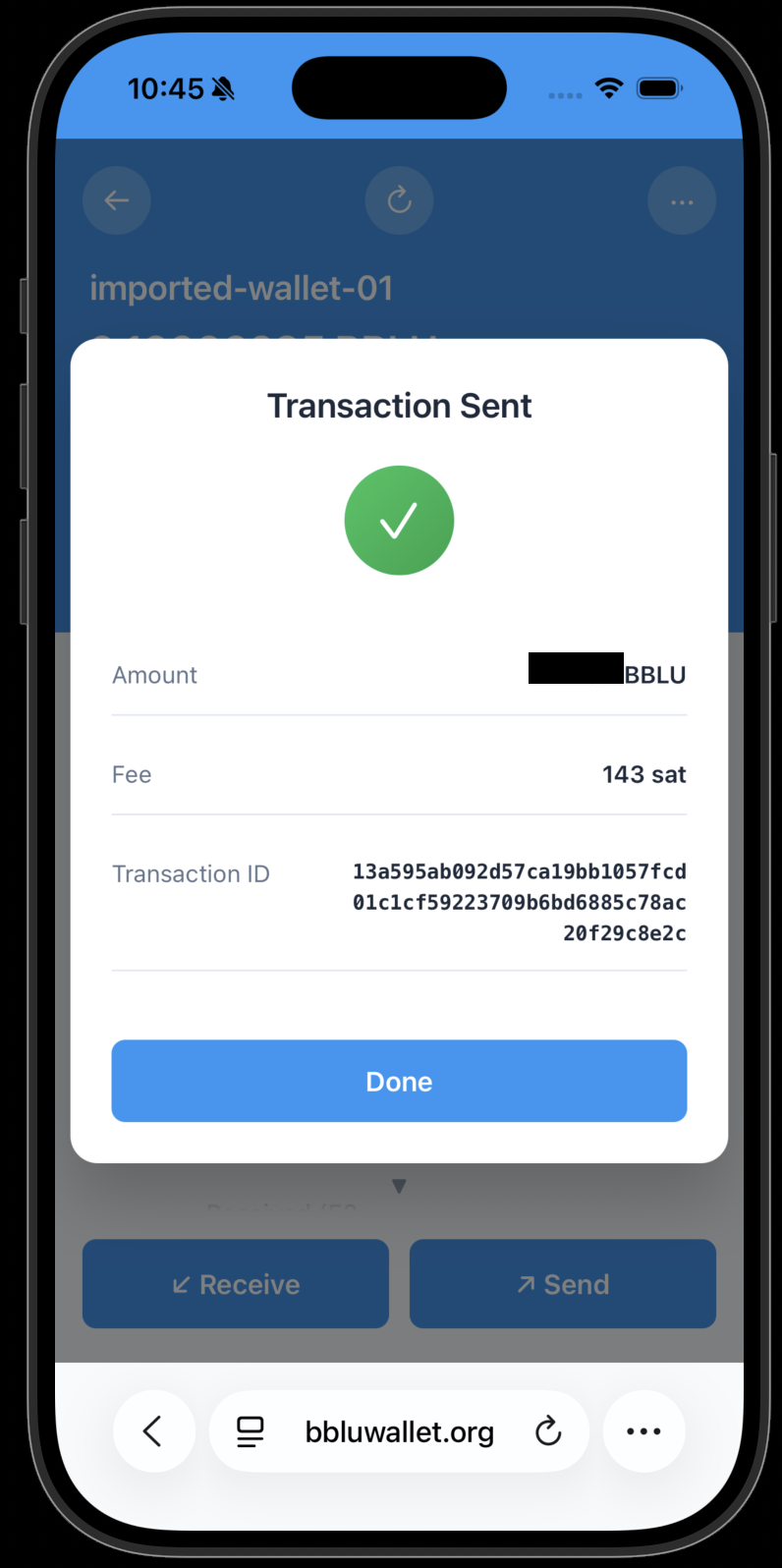
Done! The transaction has been sent.
Wait a couple of seconds and then refresh the amounts and transactions, if needed.